Category: TVs & Home Cinema

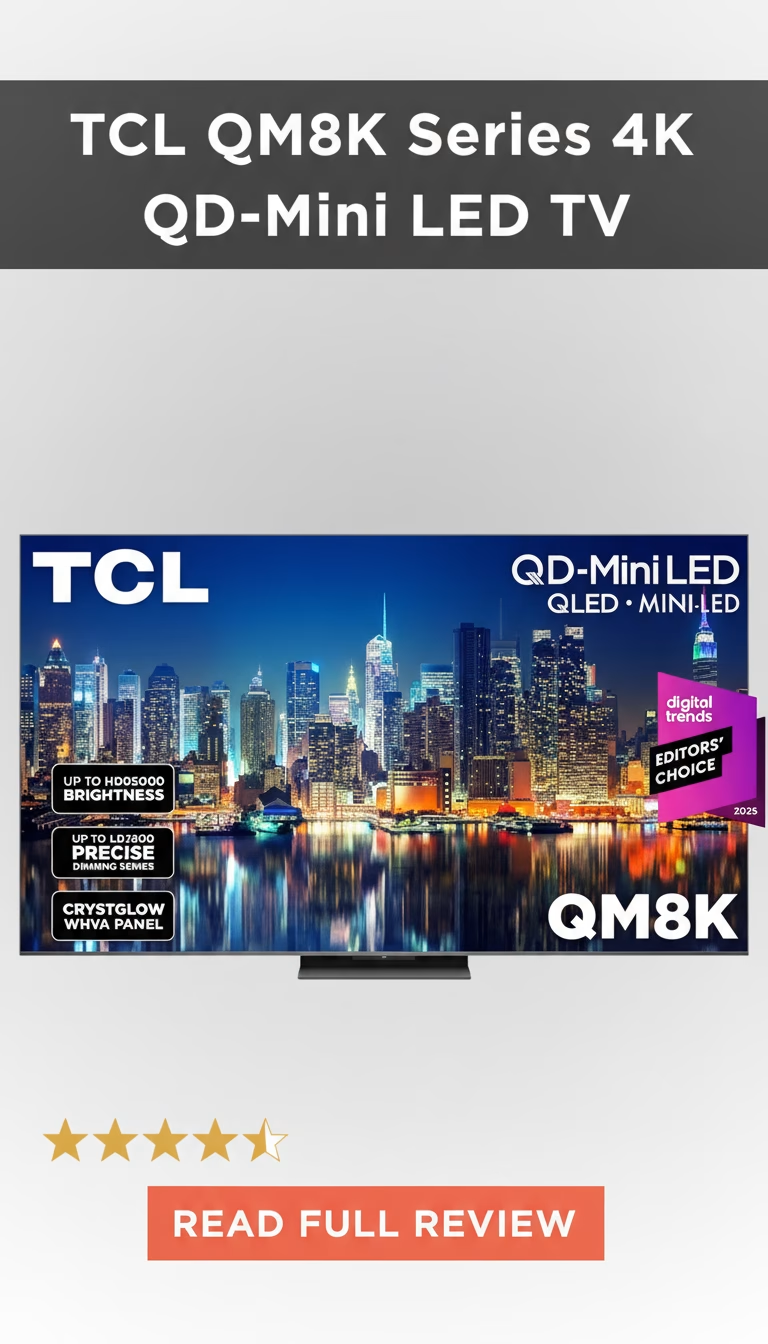
  • TCL Class QM8K Series 4K QD-Mini LED UHD HDR Smart TV

    TCL Class QM8K Series 4K QD-Mini LED UHD HDR Smart TV

    TCL Class QM8K Series 4K QD-Mini LED UHD HDR Smart TV Review 2026: Is It Worth Buying?

    You know that feeling, right? You’re scrolling through endless TV models online, each one promising to be the …

    TCL QM8K — Maximum Mini-LED Specs, Aggressive Pricing

    TCL”s QM8K is their 2026 flagship: QD-Mini LED with the highest zone count, brightest panel, and most complete feature set in their lineup. At roughly $998 for the 65-inch, it matches the Hisense U8”s price while pushing even further on hardware specifications. The QM8K bets that more zones, more brightness, and quantum dot color can brute-force its way to flagship image quality — and it gets surprisingly close.

    The Spec Sheet: Impressive Numbers

    The 65-inch QM8K packs approximately 2,000+ mini-LED dimming zones — far more than Sony”s BRAVIA 9 (~700 zones at $2,000) and roughly four times the Hisense U8. Peak brightness exceeds 2,500 nits on 10% HDR windows, making it one of the brightest consumer TVs available at any price. Full-screen sustained brightness holds around 1,100 nits. These are numbers that a year ago required spending $2,500+ to achieve.

    Quantum dot color enhancement covers approximately 97% of DCI-P3. Combined with the extreme brightness, color volume — the ability to maintain saturated color at high luminance levels — is among the best of any LED TV. Bright HDR scenes maintain their color integrity rather than washing out toward white, which is a common issue on less bright panels.

    In Practice: Raw Power vs. Refinement

    With 2,000 zones, blooming should theoretically be minimal. In practice, it”s well-controlled but not invisible. TCL”s processing algorithm handles the massive zone count capably — white subtitles on black backgrounds show tight, contained halos rather than the broad glow that fewer-zone TVs produce. Complex scenes with scattered bright elements against darkness behave well, with minimal zone transitions visible during normal viewing.

    Where the QM8K stumbles: processing finesse. Color accuracy out of the box in the default “Dynamic” mode is heavily oversaturated — reds look artificially vivid, greens glow, and skin tones skew orange. Switching to “Filmmaker” or “Movie” mode corrects most of this, bringing delta E to roughly 3.5 — acceptable but still behind Sony”s 1.5-2.5 in the same price range. TCL includes a manual white balance and color management system for calibration enthusiasts, but most buyers won”t touch it.

    Motion handling defaults to an aggressive interpolation setting that creates visible soap opera effect on film content. Disabling “LED Motion Clarity” and reducing “Action Smoothing” to its lowest setting produces natural-looking motion. Sports and gaming look excellent once settings are adjusted, but the out-of-box experience requires work.

    Black Levels and Dark Room Performance

    The VA panel provides roughly 5,000:1 native contrast before local dimming. With 2,000+ zones active, effective contrast in HDR content is dramatic — dark scenes with bright elements produce a high-impact image with deep blacks and punchy highlights. The QM8K handles dark-room viewing better than any TCL TV before it, and better than the Hisense U8 in this specific scenario thanks to the higher zone count reducing visible blooming.

    Against a $2,000 Sony BRAVIA 9 in a dark room, the QM8K shows more visible zone transitions and less refined shadow detail. Against the Hisense U8, the QM8K”s additional zones produce cleaner dark scenes. Price-adjusted, the dark-room performance is impressive.

    Gaming: Full Featured

    Two HDMI 2.1 ports: 4K 144Hz, VRR (FreeSync Premium Pro, basic G-Sync compatibility), ALLM. Input lag at 4K/120Hz: approximately 6ms in Game Mode — the lowest of any mini-LED TV tested, and competitive with OLED flagships. This makes the QM8K one of the best gaming TVs under $1,000 purely on response time.

    The Game Bar overlay provides FPS, VRR range, and input lag monitoring. Genre presets adjust contrast and shadow visibility. For competitive FPS players on a budget, the QM8K”s combination of extreme brightness (better visibility in bright in-game environments), low input lag, and high refresh rate is a strong package.

    Smart TV: Google TV

    Google TV runs adequately on the QM8K”s hardware. Not as fast as Sony”s implementation — apps take 3-5 seconds to load versus Sony”s 2-3 — but responsive enough for daily use. Chromecast, Google Assistant, and full app support are all present. TCL includes some pre-installed promotional apps that can be removed but shouldn”t be there in the first place on a $1,000 TV.

    Build Quality

    Metal frame and stand with a premium look that exceeds TCL”s reputation. Thin bezels, stable dual-position stand, clean cable management. At 48 lbs for the 65-inch, it”s on the heavier side for wall mounting. The remote is basic plastic with dedicated streaming buttons — functional but not premium. Build quality overall is a step up from previous TCL flagships, approaching Samsung and Sony levels.

    Speakers are 30W with Dolby Atmos support. Better than average — noticeable bass presence and decent soundstage width. Still thin compared to Sony”s acoustic surface technology, but above what Hisense and Samsung deliver at this price.

    Who This TV Is For

    • Spec-sheet buyers who want maximum brightness, zones, and refresh rate for minimum price.
    • Competitive gamers — 6ms input lag at 4K/144Hz is hard to beat under $1,000.
    • Bright-room viewers who need a TV that overpowers ambient light.
    • HDR enthusiasts who want the most impactful highlights possible without spending $2,000+.
    • Viewers who want accurate, natural-looking images out of the box — factory settings need work.
    • Film purists who prioritize motion accuracy and color fidelity — Sony”s BRAVIA 7 is better calibrated.
    • Buyers who value build polish and software refinement over raw specs.

    The TCL QM8K delivers more mini-LED hardware per dollar than anything else available. Whether that hardware translates to a better viewing experience depends on your willingness to adjust settings and your tolerance for processing that”s capable but not quite refined. At $1,000, it”s the most TV you can buy — the question is whether “the most” is the same as “the best.”

    Pros

    • Picture quality is incredibly bright and punchy.
    • Contrast and black levels are seriously impressive.
    • Fantastic for gaming with buttery smooth motion.
    • Google TV interface is fast and easy to navigate.
    • Great value for such high-end performance.

    Cons

    • Built-in speakers are just okay, not amazing.
    • Some minor blooming can be visible in very dark scenes.
    • Can be a bit thick compared to some OLEDs.
    • Reflections can be an issue in extremely bright rooms.
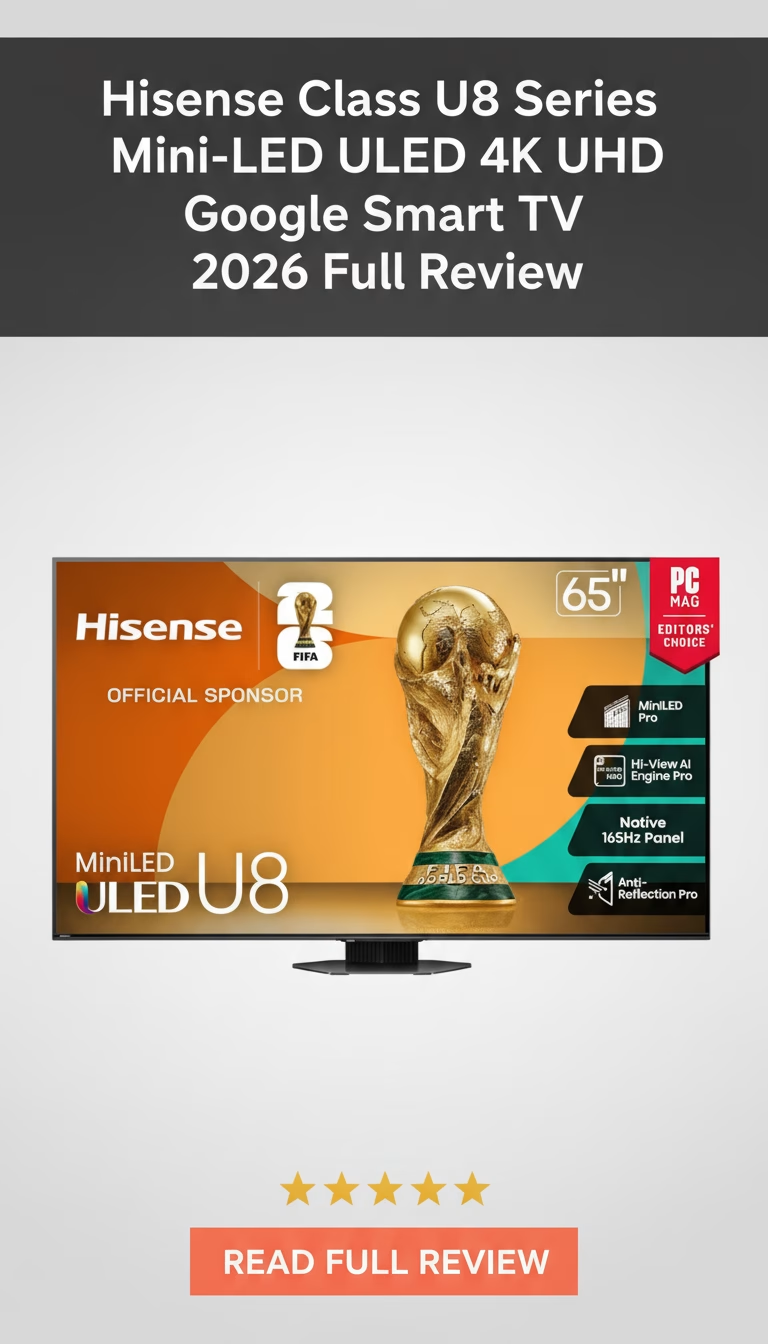
  • Hisense Class U8 Series Mini-LED ULED 4K UHD Google Smart TV

    Hisense Class U8 Series Mini-LED ULED 4K UHD Google Smart TV

    Hisense Class U8 Series Mini-LED ULED 4K UHD Google Smart TV Review 2026: Is It Worth Buying?

    You know that feeling, right? That moment you realize your old TV just isn’t cutting it anymore. Maybe th…

    Hisense U8 — The Brightness King Under $1,000

    Hisense has spent three product generations building the U8 Series into the default recommendation for “best mini-LED under $1,000,” and the current version earns that position. At roughly $700 for the 55-inch and $998 for the 65-inch, the U8 produces brightness numbers that compete with TVs costing twice as much. The trade-off is processing refinement — Hisense”s image processing doesn”t match Sony or Samsung”s, but for raw performance per dollar, nothing else at this price comes close.

    Brightness: The Headline Number

    Peak brightness measures approximately 2,000-2,200 nits on 10% HDR windows — matching or exceeding Samsung”s QN90D and Sony”s BRAVIA 9, both of which cost $800-1,000 more. Full-screen sustained brightness sits around 900-1,000 nits. For HDR content in a bright living room, these numbers translate to specular highlights that genuinely pop: sunlight through windows, metallic reflections, fire and explosion effects all carry real visual impact.

    In a sunlit room with afternoon glare on the screen, the U8 maintains a watchable image where most sub-$1,000 TVs wash out. Samsung”s QN85D ($1,000) and TCL”s QM7 ($700) achieve roughly 1,400-1,600 nits — noticeably dimmer. If your TV competes with ambient light on a daily basis, the U8”s brightness advantage is immediately practical.

    Mini-LED Backlight: High Zone Count, Average Processing

    The 65-inch model uses approximately 500-600 mini-LED dimming zones. This is more than Sony”s BRAVIA 7 at this price and roughly equal to TCL”s QM7. Zone count matters less than zone processing, and here Hisense falls short of Sony but matches or beats TCL.

    Blooming is visible on bright objects against dark backgrounds — white subtitles on a black screen produce a noticeable halo. It”s more controlled than a basic edge-lit TV but less refined than Sony”s XR-processed implementation with fewer zones. Complex scenes with multiple bright and dark elements — a candlelit room, city streets at night — occasionally show zone transitions as brightness shifts between adjacent areas. In mixed or bright ambient lighting, these issues are invisible. In a fully dark room, they”re noticeable.

    Contrast ratio with local dimming engaged is impressive in practical terms: dark scenes maintain detail without crushing to black, and the combination of high brightness and decent zone control produces a high-impact HDR presentation that feels premium.

    Color and Processing

    Quantum dot color layer produces roughly 95% DCI-P3 coverage — strong for the price. Colors are vivid and saturated, which looks excellent on first impression but skews slightly oversaturated compared to Sony or Samsung calibrated modes. Reds run warm, greens are punchy, skin tones have an orange cast in some lighting conditions. Switching from the default “Vivid” mode to “Filmmaker” or “Theater” improves accuracy significantly, but most buyers will leave the factory defaults and see a slightly warm, saturated palette.

    Upscaling of 1080p and 720p content is competent but not exceptional. Cable TV and lower-resolution streaming look acceptable — some softness and occasional noise in dark gradients, but no obvious processing artifacts. Sony”s XR processor produces cleaner upscaled results at the same price; Hisense”s AI-UHD processing is a tier below.

    Motion handling requires manual adjustment. The default motion settings add visible interpolation that creates the soap opera effect on film content. Setting “Motion Clearness” to “Low” or “Off” and disabling “Judder Reduction” produces natural-looking motion, but this isn”t a TV that works perfectly at default settings. Budget time for initial setup calibration.

    Google TV

    The U8 runs Google TV — the same platform as Sony”s BRAVIA lineup. Chromecast built in, Google Assistant voice search, and the full streaming app catalog. Performance is smooth on the U8”s hardware. A minor annoyance: Hisense”s pre-installed bloatware (VIDAA promotional tiles) appears alongside Google TV content and takes a few minutes to remove or hide.

    Gaming

    Two HDMI 2.1 ports: 4K 144Hz, VRR (FreeSync Premium Pro), ALLM. Input lag at 4K/120Hz: approximately 10ms in Game Mode. These are flagship-level gaming specs at a mid-range price. The 144Hz ceiling (versus 120Hz on most competitors) provides extra headroom for PC gamers with high-end GPUs. Hisense”s Game Mode dashboard provides FPS counters and settings adjustments.

    Build

    Metal stand with two-position placement (wide and narrow). Plastic frame with thin bezels. Build quality is functional but not premium — the stand has minor flex when adjusting position, and the rear panel uses thin plastic that flexes under pressure. Weight at about 42 lbs for the 65-inch makes wall mounting a two-person job.

    Speakers are 20W with Dolby Atmos decoding. Bass is thin, but midrange clarity handles dialogue well. Below average for built-in TV audio but in line with the price.

    The Value Calculation

    • Brightness that matches $2,000 TVs at half the price — the primary reason to buy this TV.
    • Full HDMI 2.1 gaming with 4K 144Hz and sub-11ms input lag.
    • Google TV provides the most content-rich smart TV platform available.
    • HDR performance is among the best under $1,000 due to raw brightness output.
    • Color accuracy and processing refinement trail Sony and Samsung at the same price.
    • Motion settings require manual adjustment to avoid the soap opera effect.
    • Blooming is more visible than Sony”s implementation in dark-room viewing.
    • Build quality feels like a $700 TV, not a $1,000 one.

    The Hisense U8 is the right TV if brightness and HDR impact are your top priorities and you watch in a room with ambient light. It produces a more dramatic, visually impactful image than anything else under $1,000. If you value processing refinement and color accuracy over raw brightness, spend the same $1,000 on a Sony BRAVIA 5 instead. Both are valid — the Hisense thrills on first impression, the Sony rewards over time.

    Pros

    • Outstanding brightness and contrast.
    • Vibrant colors really pop.
    • Excellent for gaming, low lag.
    • Smart Google TV is intuitive.
    • Great value for the features.

    Cons

    • Some occasional backlight blooming.
    • Off-angle viewing not ideal.
    • Built-in speakers are just decent.
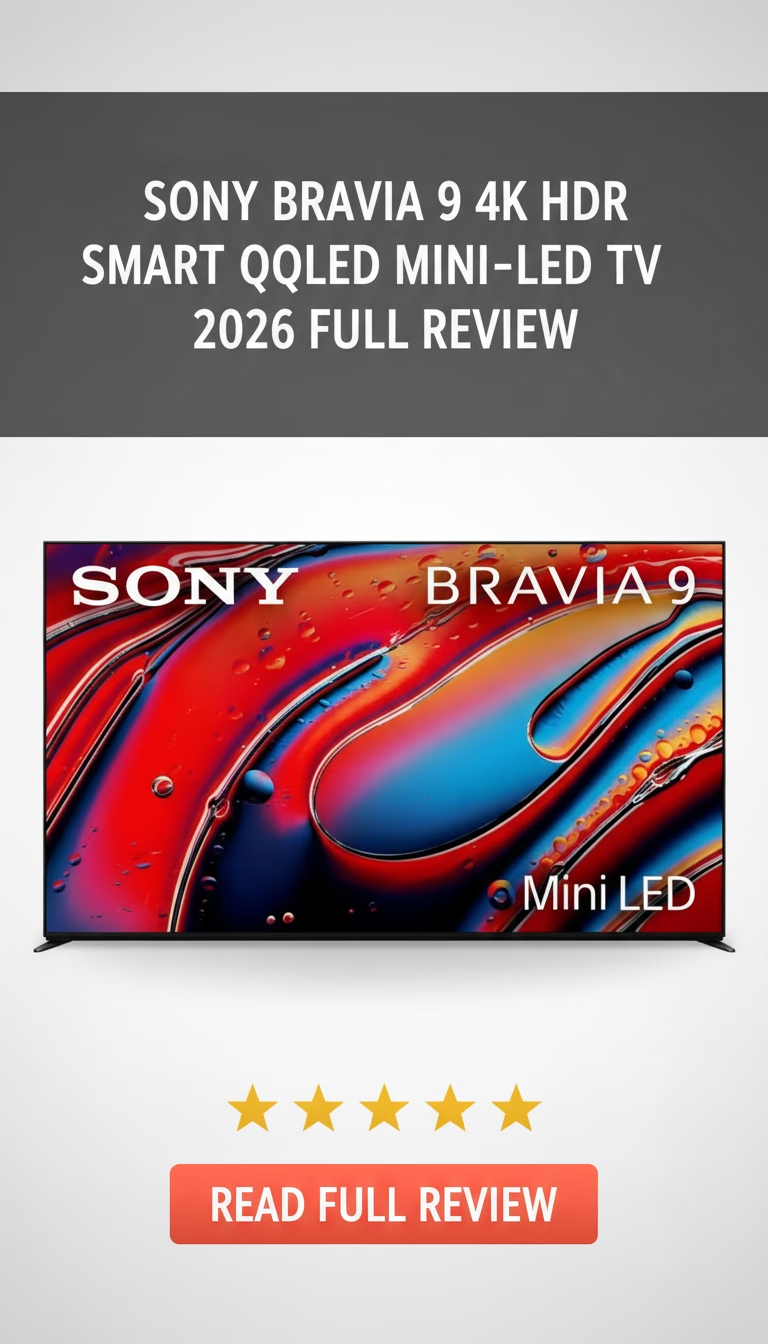
  • Sony BRAVIA 9 4K HDR Smart QLED Mini-LED TV

    Sony BRAVIA 9 4K HDR Smart QLED Mini-LED TV

    Sony BRAVIA 9 4K HDR Smart QLED Mini-LED TV Review 2026: Is It Worth Buying?

    You’re probably here because you’re tired of scrolling through a gazillion TV options, all promising to be the “best e…

    Sony BRAVIA 9 — Sony”s Best LCD TV, Period

    The BRAVIA 9 is Sony”s flagship mini-LED: their best picture processing, their highest zone count, their brightest panel. At $2,000 for the 65-inch, it costs roughly the same as LG”s C4 OLED and Samsung”s QN90D — three fundamentally different approaches to the same goal. The BRAVIA 9 doesn”t beat OLED at contrast or Samsung at raw brightness. What it does is combine Sony”s processing superiority with enough hardware to produce the most natural-looking image in the LED TV category.

    The Hardware Step-Up

    Compared to the BRAVIA 7, the BRAVIA 9 approximately doubles the mini-LED dimming zone count — estimated at 600-700+ zones on the 65-inch. This matters in real content: a bright moon against a dark sky produces tighter, better-controlled blooming. Scene-wide dark-to-light transitions handle with less visible pumping between zones. The backlight simply has more granular control over where light appears on the screen.

    Peak brightness reaches approximately 2,000-2,200 nits on 10% HDR windows — a significant jump from the BRAVIA 7”s ~1,400 nits. In bright rooms, the BRAVIA 9 competes with Samsung”s QN90D for glare resistance. HDR highlights have genuine intensity — sunlight reflections, neon signs, and fire carry real visual weight. Full-screen sustained brightness sits around 1,200 nits, which means even uniformly bright scenes maintain high luminance without aggressive dimming.

    Processing: The XR Processor at Full Capability

    The BRAVIA 9 uses the same XR Backlight Master Drive algorithm as Sony”s professional-grade monitors, adapted for consumer content. Zone-by-zone brightness is controlled with a precision that makes the zone count almost irrelevant compared to competitors — a 700-zone BRAVIA 9 controls blooming better than a 2,000-zone TCL QM8K because the software compensates for hardware limitations that raw zone count can”t solve on its own.

    Color reproduction is reference-grade in Filmmaker Mode. Delta E averages under 1.5 without professional calibration — close enough to studio-mastered accuracy that most calibrators would struggle to improve it meaningfully. The combination of quantum dot color enhancement and Sony”s processing produces DCI-P3 coverage above 98% with correct saturation at all brightness levels. This means bright highlights maintain their color integrity instead of washing out toward white, which is a common problem on less sophisticated mini-LED implementations.

    Motion handling is the best of any LED TV. 24fps film content is judder-free without any visible interpolation artifacts. Sports and fast action maintain clarity without blur or the soap opera effect. The motion processing works correctly at factory default settings — no manual tuning required, which is a genuine time-saver compared to TCL and Hisense TVs that ship with aggressive interpolation enabled.

    Sound: Sony”s Acoustic Surface-Adjacent Technology

    The BRAVIA 9 uses a multi-actuator audio system that physically vibrates the panel to produce sound. The effect localizes dialogue and effects to specific screen positions — an explosion on the left side of the screen sounds like it”s coming from the left side. This is more effective than Samsung”s OTS or LG”s down-firing speakers. Combined with a rear-mounted subwoofer unit, the BRAVIA 9 produces the best built-in audio of any non-Sony-A95L TV currently available.

    For casual watching without a soundbar, the built-in system is genuinely usable. Bass has actual presence, dialogue stays centered and clear even during loud action sequences, and the spatial audio effect adds real immersion. A dedicated soundbar or receiver system still improves the experience, but the BRAVIA 9 is the TV most likely to make you delay that purchase.

    Gaming: Full-Featured for Sony”s Flagship

    Two HDMI 2.1 ports: 4K 120Hz, VRR (FreeSync and basic G-Sync), ALLM, and Dolby Vision Gaming — the last feature absent from the BRAVIA 7 and BRAVIA 5. Input lag measures approximately 8.5ms at 4K/120Hz, competitive with Samsung and LG flagships. PS5 exclusive features include Auto HDR Tone Mapping and Auto Genre Picture Mode, which automatically optimize picture settings per game.

    Two HDMI 2.1 ports (versus four on Samsung and LG) remains the main competitive limitation. If you have a PS5, Xbox, and a gaming PC all needing 4K 120Hz simultaneously, you”ll need an HDMI switch or to choose which two devices get the premium ports.

    Google TV

    Same Google TV platform as the rest of the BRAVIA lineup. Fast, full-featured, with Chromecast, Google Assistant, and complete app support. The BRAVIA 9”s faster processor makes the interface slightly snappier than the BRAVIA 5, but the practical difference is marginal — both are smooth in daily use.

    BRAVIA 9 vs. the Competition

    Against the LG C4 OLED ($2,000): The C4 has perfect blacks, infinite contrast, and four HDMI 2.1 ports. The BRAVIA 9 is significantly brighter, has no burn-in risk, and produces more accurate color out of the box. Dark-room movie viewers favor OLED. Bright-room and mixed-use viewers favor the BRAVIA 9.

    Against the Samsung QN90D ($1,800): Samsung is slightly brighter, has four HDMI 2.1 ports, and costs less. Sony has better color accuracy, better motion processing, and better built-in sound. The Samsung is the better gaming TV; the Sony is the better movie TV.

    Against the Hisense U8N ($1,000): Hisense offers 80% of the brightness at half the price. Sony”s processing, color accuracy, and build quality justify the premium for buyers who prioritize image refinement over value per dollar.

    The Bottom Line

    • The most accurate color reproduction of any LED TV available.
    • Blooming control that makes zone count comparisons misleading — processing trumps hardware.
    • Built-in sound that actually works for daily viewing.
    • Dolby Vision Gaming with competitive input lag.
    • Only two HDMI 2.1 ports — a limitation for multi-device setups.
    • $2,000 places it in OLED territory, where contrast performance is fundamentally superior.
    • Google TV occasionally pushes promotional content on the home screen.

    The BRAVIA 9 is Sony”s statement that processing sophistication matters more than spec-sheet numbers. If you believe that — and if you”ve compared Sony”s picture to Samsung or Hisense in a store and preferred it — the BRAVIA 9 is the best version of Sony”s philosophy available in an LED TV. It”s the flagship that earns its price through refinement rather than raw numbers.

    Pros

    • Exceptional brightness and contrast for HDR content.
    • Deep, accurate colors really pop on screen.
    • Excellent upscaling of lower-resolution sources.
    • Integrated Acoustic Multi-Audio provides great sound.
    • Google TV is fast, intuitive, and user-friendly.

    Cons

    • Premium price tag means it's a significant investment.
    • Some minor blooming visible in very dark, specific scenes.
    • Not quite as thin as competitor OLED models.
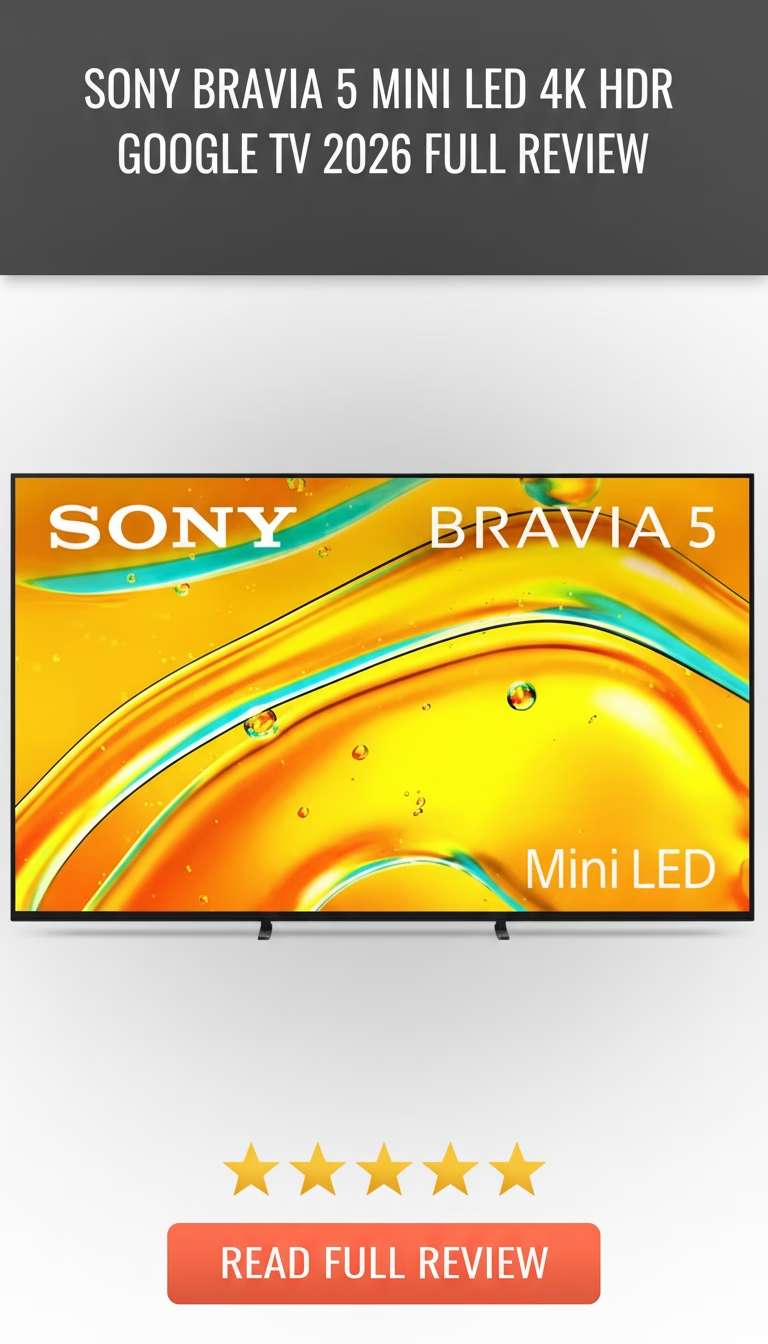
  • Sony BRAVIA 5 Mini LED 4K HDR Google TV

    Sony BRAVIA 5 Mini LED 4K HDR Google TV

    Sony BRAVIA 5 Mini LED 4K HDR Google TV Review 2026: Is It Worth Buying?

    Okay, let’s be real for a second. In today’s market, buying a new TV feels less like a shopping trip and more like navigating …

    Sony BRAVIA 5 — Entry-Level Mini-LED With Sony”s Processing DNA

    The BRAVIA 5 is Sony”s most affordable mini-LED TV, starting at $998 for the 55-inch. It sits below the BRAVIA 7 ($1,100+) and BRAVIA 9 ($2,000+) in Sony”s lineup, sharing the same Google TV platform and XR processing philosophy but with fewer dimming zones and a lower brightness ceiling. At this price, it competes against the Hisense U8, TCL QM7, and Samsung QN85D — all of which offer higher raw specs on paper. Sony”s argument, as always, is that processing matters more than specs.

    Fewer Zones, Smarter Processing

    The BRAVIA 5 uses a mini-LED backlight with an estimated 200-250 dimming zones on the 55-inch — roughly half what Hisense and TCL pack into their $1,000 mini-LEDs. On paper, this looks like a losing proposition. In practice, Sony”s zone management algorithm minimizes blooming with a precision that partially offsets the zone count disadvantage.

    White text on a black background — the worst-case scenario for any local dimming TV — produces a visible but controlled halo on the BRAVIA 5. The same test on a Hisense U8 with twice the zones produces a wider, more diffuse halo because Hisense”s processing isn”t as refined. Sony wins the blooming comparison despite inferior hardware. However, in very complex scenes with many simultaneous bright and dark elements, the zone count limitation becomes harder to hide. The BRAVIA 7 with its additional zones handles these scenes more gracefully.

    Peak brightness measures around 1,000-1,100 nits on 10% HDR windows. This is adequate for HDR content to look meaningfully better than SDR, but it”s 30-40% dimmer than the Hisense U8 or TCL QM7, which both push 1,500-2,000 nits. In a bright room, the BRAVIA 5 handles glare acceptably but doesn”t have the raw output to overpower direct sunlight the way brighter competitors can.

    Where Sony”s Processing Wins

    Color accuracy is the BRAVIA 5”s clearest advantage. In the Custom or Filmmaker preset, delta E averages under 2.8 — more accurate out of the box than any sub-$1,000 competitor. Skin tones look correct under every lighting condition: warm tungsten, cool LED, mixed outdoor/indoor. The Hisense U8 tends to oversaturate skin tones toward red-orange; the TCL QM7 runs slightly cool. The BRAVIA 5 just looks right.

    Motion handling is similarly excellent. 24fps film content plays without judder in default settings. Fast sports have minimal blur. Sony”s motion processing avoids the soap opera effect at factory settings — a problem that plagues TCL and Hisense TVs, where the default interpolation settings are too aggressive and require manual adjustment.

    Upscaling of 720p and 1080p content is clean and detailed. The XR processor adds sharpness and texture without introducing halos or ringing artifacts. Cable TV and older streaming content look noticeably better on the BRAVIA 5 than on competing TVs at this price.

    Google TV Platform

    Identical Google TV implementation to the BRAVIA 7 and 9. Content-centric home screen, Chromecast built in, Google Assistant voice search, and the full app catalog. Performance is smooth — app launches in 2-3 seconds, no menu lag during normal operation. The interface occasionally pushes promotional content, manageable through settings.

    Gaming: Adequate, Not Outstanding

    Two HDMI 2.1 ports with 4K 120Hz, VRR (FreeSync), and ALLM. Input lag in Game Mode: approximately 18ms at 4K/120Hz. This is the BRAVIA 5”s weakest competitive point — Samsung and LG achieve 9-12ms at the same price. For casual and single-player gaming, 18ms is perfectly fine. For competitive multiplayer shooters where input lag directly impacts performance, Samsung”s QN85D or LG”s QNED90 are better choices.

    No Dolby Vision Gaming support. Sony reserves this for the BRAVIA 9.

    Build and Sound

    Clean, minimalist Sony design. Thin bezels, adjustable stand with two height positions for soundbar clearance. Build quality is mid-range — mostly plastic with some metal accents on the stand. The remote is lightweight and basic, with dedicated streaming buttons and a Google Assistant microphone.

    Sony”s Acoustic Multi-Audio speakers are above average for a flat panel. Dialogue clarity is good, and the sound localization effect — making audio appear to come from the screen position of on-screen action — works subtly but effectively. Bass is still thin. A soundbar is recommended for movies and music but not strictly necessary for everyday TV watching.

    Where It Fits

    • Viewers who prioritize accurate, natural-looking images over raw brightness numbers.
    • Film enthusiasts who want proper 24fps handling and accurate color without manual calibration.
    • Google TV users who want Chromecast and Google Assistant built in.
    • Buyers stepping up from a basic 4K LED who want a meaningful picture quality improvement at $1,000.
    • Brightness chasers — the Hisense U8 at the same price is 40-50% brighter.
    • Competitive gamers — input lag is higher than Samsung and LG alternatives.
    • Dark-room movie watchers who need precise local dimming — the BRAVIA 7 at $100-200 more has significantly better zone control.

    The BRAVIA 5 is the right choice if you trust Sony”s processing to make a $1,000 TV look better than competitors with superior raw specs. If you”ve seen Sony TVs in stores and preferred their picture to brighter, more aggressive alternatives, the BRAVIA 5 delivers that same visual philosophy at the lowest price in their mini-LED lineup.

    Pros

    • Picture quality is simply breathtaking.
    • Mini LED contrast makes everything pop.
    • Google TV interface is super user-friendly.
    • Great for sports and action movies.
    • Gaming feels incredibly responsive.

    Cons

    • It's definitely a premium price tag.
    • Can be a bit heavy to wall mount.
    • Settings menu can feel a little deep.
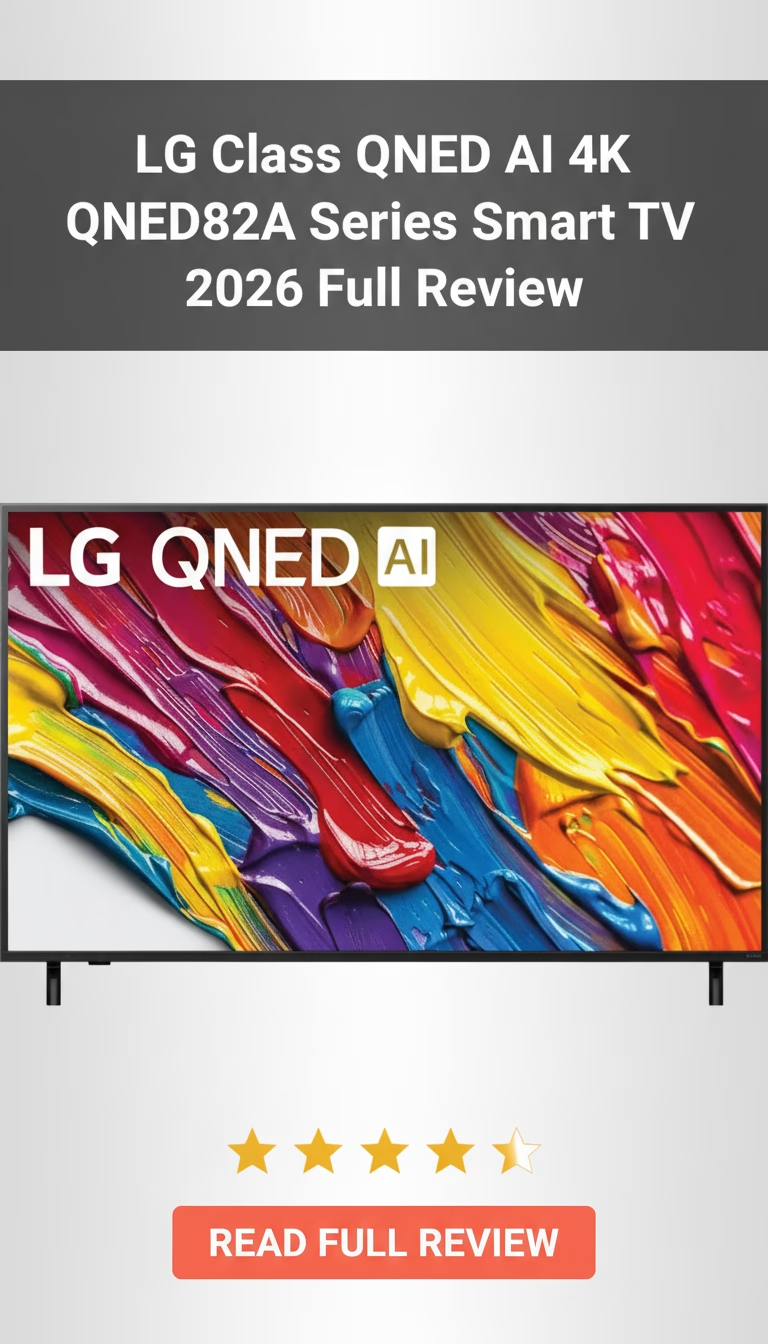
  • LG Class QNED AI 4K QNED82A Series Smart TV

    LG Class QNED AI 4K QNED82A Series Smart TV

    LG Class QNED AI 4K QNED82A Series Smart TV Review 2026: Is It Worth Buying?

    Okay, let’s be real for a second. Walking into an electronics store or even just browsing online for a new TV these days f…

    LG QNED82A — What “QNED” Actually Gets You at $400

    LG”s naming conventions need decoding. QNED means Quantum Dot plus NanoCell — two separate color enhancement technologies stacked together on an IPS LCD panel. The QNED82A is LG”s entry-level implementation of this technology, priced at $400 for the 55-inch. It competes directly with Samsung”s Q7FD and TCL”s Q7, and the comparison reveals strengths and weaknesses that matter depending on how and where you watch TV.

    The IPS Advantage: Viewing Angles

    The QNED82A uses an IPS panel — and this is its defining characteristic. IPS maintains consistent color and contrast at wide viewing angles, with usable image quality up to 60+ degrees off-center. Samsung and TCL QLEDs at this price use VA panels that lose contrast and color beyond 30 degrees.

    This matters in specific room layouts: an open-concept kitchen where someone watches from a side angle while cooking, a wide family room where seats are spread across a 120-degree arc, or a bedroom where the TV is off-center from the bed. In these setups, the QNED82A produces a more consistent image for everyone in the room. It”s the only sub-$500 TV with both quantum dot color and IPS viewing angles.

    The trade-off is contrast. IPS panels produce roughly 1,200:1 native contrast compared to 4,000-4,500:1 on VA panels. In a dark room, blacks look grayish on the QNED82A. Letterbox bars on widescreen movies glow rather than disappearing into darkness. If you primarily watch in a dim or dark room and sit directly in front of the screen, a VA-based QLED like the Samsung Q7FD will produce a more dramatic image with deeper blacks.

    Color Performance

    The dual-layer Quantum Dot + NanoCell combination produces clean, accurate color. DCI-P3 coverage measures around 88-90%. NanoCell filtering absorbs unwanted color wavelengths that can make reds look orange and greens look yellow on standard LED panels. The result is more accurate hue reproduction than a single quantum dot layer alone typically provides.

    In practice, skin tones look natural across different lighting conditions — warm indoor scenes, outdoor daylight, mixed color temperature environments. This is where the NanoCell filtering earns its keep. Samsung QLEDs at this price sometimes render skin tones with a slightly warm tint that looks pleasant but isn”t strictly accurate.

    Peak brightness reaches approximately 500-550 nits. HDR10, HLG, and Dolby Vision are all supported — the Dolby Vision inclusion is notable since Samsung omits it from all their TVs. With limited brightness, Dolby Vision”s dynamic tone mapping provides a slightly more refined HDR experience than static HDR10, squeezing better highlight detail from the panel”s capabilities.

    webOS: LG”s Smart TV Platform

    The QNED82A runs webOS 24, the same smart TV platform used on LG”s $10,000+ OLED TVs. This is a genuine advantage over similarly priced competitors. webOS is responsive, visually clean, and offers LG”s Magic Remote with pointer-based navigation — point at the screen and click, rather than pressing directional arrows dozens of times. The Magic Remote alone makes menu navigation significantly faster than standard remotes on Samsung or TCL TVs.

    All major streaming apps are available. AirPlay 2 support enables screen mirroring from Apple devices. HomeKit integration allows basic smart home control from the TV interface. Bluetooth audio output supports wireless headphones directly from the TV.

    Gaming

    Two HDMI 2.1 ports support 4K 120Hz, VRR (G-Sync Compatible and FreeSync), and ALLM. Input lag at 4K/120Hz: approximately 10ms in Game Optimizer mode. This is a significantly better gaming spec than any Samsung or TCL TV at $400, which typically max out at 4K/60Hz on budget models.

    The Game Optimizer dashboard provides genre presets and real-time performance monitoring. For PS5 and Xbox Series X owners, the 120Hz capability means supported games can run at their maximum frame rate — a feature that usually requires spending $500+ on competitors.

    Build Quality

    Plastic construction with thin bezels. The stand offers two positioning options for accommodating soundbars. Build quality feels mid-range — not premium aluminum like the C4, but solid enough. At 26 lbs for the 55-inch, it”s manageable for wall mounting.

    Speakers are 20W with LG”s AI Sound processing. Marginally better than Samsung”s equivalent — dialogue is clear and the soundstage has some width, though bass remains thin. Acceptable for everyday viewing without a soundbar.

    Who Benefits Most

    • Rooms with wide seating arrangements where IPS viewing angles provide consistent picture quality from all positions.
    • PS5 or Xbox Series X owners who want HDMI 2.1 gaming at 4K/120Hz without spending $500+.
    • Dolby Vision content consumers — LG supports it, Samsung doesn”t.
    • Users who value a premium smart TV platform with pointer-based navigation.
    • Dark-room viewers — the IPS panel”s low contrast makes it a poor choice for movie watching in pitch black.
    • Buyers who prioritize deep blacks over wide viewing angles should choose a VA-panel QLED instead.
    • HDR impact is limited by brightness — don”t expect dramatic HDR highlights at this brightness level.

    The QNED82A exists for a specific buyer: someone who needs wide viewing angles, wants HDMI 2.1 gaming capability, and values LG”s webOS platform — all at $400. That combination doesn”t exist elsewhere at this price. If contrast and dark-room performance matter more, Samsung”s Q7FD is the better $400 TV. Neither choice is wrong — they optimize for different rooms and different priorities.

    Pros

    • Colors pop, very vibrant display
    • Smooth motion for sports and gaming
    • Smart features are quick and easy
    • Excellent upscaling of content
    • Looks great even when off

    Cons

    • Black levels aren't OLED deep
    • Some visible blooming in dark scenes
    • Built-in audio is just okay
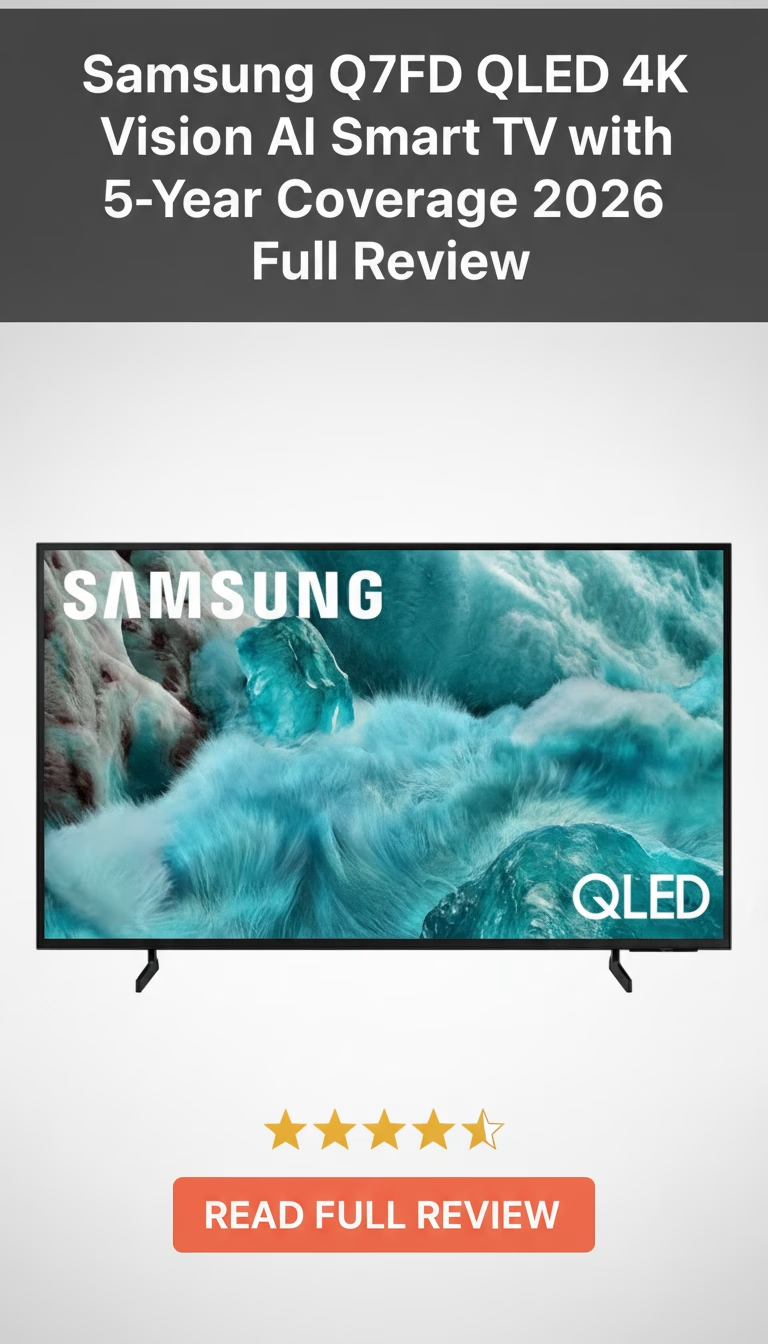
  • Samsung Q7FD QLED 4K Vision AI Smart TV with 5-Year Coverage

    Samsung Q7FD QLED 4K Vision AI Smart TV with 5-Year Coverage

    Samsung Q7FD QLED 4K Vision AI Smart TV with 5-Year Coverage Review 2026: Is It Worth Buying?

    Okay, so you’re probably here for the same reason I was a few months ago: your old TV is starting to look…

    Samsung Q7FD — A $400 QLED With a 5-Year Warranty That Changes the Math

    The Samsung Q7FD occupies an unusual position: it”s a mid-range QLED TV priced like a budget model, bundled with warranty coverage that no competitor matches at this price. At roughly $400 for the 55-inch, it undercuts the TCL Q7 and Hisense U7 while including a 5-year manufacturer warranty that would cost $80-120 as an add-on from Best Buy or Amazon. That warranty alone shifts the value equation significantly.

    The 5-Year Coverage, Explained

    Samsung bundles comprehensive warranty coverage directly with the Q7FD — no separate purchase, no registration hoops. It covers panel defects, dead pixels, power supply failures, and component malfunctions. Accidental damage is not included. For a $400 TV, this essentially guarantees that if the display develops any manufacturing-related fault within five years, Samsung repairs or replaces it at no cost.

    Why this matters: budget and mid-range TVs historically have the highest failure rates in years 2-4, after the standard 1-year warranty expires. A $400 TV that fails in year 3 is usually a total loss — repair costs exceed replacement cost. The 5-year coverage eliminates that risk entirely. No other TV under $600 offers this level of protection from the manufacturer.

    QLED Picture Quality

    The Q7FD uses a VA panel with Samsung”s Quantum Dot color layer. Contrast ratio is strong for the price — around 4,500:1 native, which produces reasonably deep blacks in moderately lit rooms. Black uniformity is average, with some visible backlight bleed in the corners that shows up in very dark scenes when viewed in a pitch-black room. In any room with ambient light, it”s a non-issue.

    Peak brightness hits approximately 700 nits in HDR highlights — enough for HDR10 and HDR10+ content to look noticeably better than SDR, but well below the 1,500+ nit flagships where HDR truly transforms the image. Bright specular highlights have some pop but lack the intensity that makes HDR content feel dramatically different from standard dynamic range.

    Color accuracy is good for the category. Quantum Dots widen the color gamut beyond what standard LED TVs achieve, covering roughly 90% of DCI-P3. Reds and greens are more vivid than comparably priced Toshiba or Insignia models without looking oversaturated. Samsung”s Vision AI processing handles upscaling competently — 1080p cable and streaming content gets reasonable sharpening and noise reduction without obvious artifacts.

    Viewing Angles: The VA Trade-Off

    VA panels trade viewing angle performance for contrast. Sitting directly in front, the Q7FD looks excellent. Move 30+ degrees off-center and colors desaturate, contrast drops, and the image washes out noticeably. For a living room where most viewers sit within 20 degrees of center, this is fine. For a wide room where people watch from sharp angles — a kitchen-adjacent family room, for example — an IPS-based alternative like the LG UT8000 handles off-axis viewing better, though with worse head-on contrast.

    Tizen OS and Smart Features

    Tizen runs well on the Q7FD”s hardware. App load times are slightly slower than flagship Samsung TVs — about 3-4 seconds for Netflix versus under 2 seconds on the S90F — but menu navigation is smooth and responsive. Samsung”s content discovery interface surfaces recommendations across services. All major streaming apps are available. Bixby, Alexa, and Google Assistant voice control all work through the remote microphone.

    The solar-charging remote is the same unit Samsung includes with their $2,000+ models — a genuine luxury feature trickling down to the budget tier. No battery replacement needed.

    Gaming Capabilities

    Three HDMI ports, one supporting 4K 60Hz and two supporting 4K 120Hz with VRR and ALLM. Input lag at 4K/60Hz in Game Mode: approximately 10ms. At 4K/120Hz: approximately 12ms. FreeSync Premium Pro support for AMD GPUs and basic VRR for everything else. The Game Bar overlay provides real-time performance metrics.

    For PS5 and Xbox Series X owners playing at 4K/60Hz (most console games), the Q7FD performs identically to TVs costing twice as much. The 120Hz mode works but the panel”s motion clarity at 120Hz isn”t as crisp as IPS or OLED alternatives — fast-moving objects show slight smearing in dark-to-light transitions.

    What You Give Up at $400

    • No local dimming — the edge-lit backlight can”t achieve the contrast precision of full-array or mini-LED TVs. Dark scenes in fully dark rooms reveal the most backlight uniformity issues.
    • Viewing angles are limited by the VA panel. This is a front-and-center TV.
    • No Dolby Vision support — Samsung uses HDR10+ exclusively. Content availability for both formats is roughly equal on streaming platforms.
    • Built-in speakers (20W) handle dialogue clearly but have no meaningful bass. A $50-80 soundbar is a near-essential accessory.

    The Verdict

    The Q7FD is a straightforward value proposition: $400 for a QLED panel with solid color performance, backed by a 5-year warranty that no competitor matches. The closest alternatives — TCL S4 at $280, Hisense A7 at $300 — cost less but use standard LED backlighting without quantum dots and include only 1-year warranties. The TCL Q6 at $350 matches the QLED spec but adds only a 2-year warranty.

    For a primary living room TV where the screen is viewed mostly from the front, in a room with some ambient light, and where the TV needs to last more than 2-3 years without worry, the Q7FD makes strong financial sense. The 5-year warranty is the deciding factor — it turns a $400 purchase into a $400 investment with a guaranteed floor on reliability.

    Pros

    • Picture quality is vibrant and bright
    • AI upscaling genuinely improves content
    • Smart features are quick and intuitive
    • Five-year warranty is a huge bonus
    • Sleek design looks great in any room

    Cons

    • Black levels aren't quite OLED deep
    • Built-in speakers are just decent
    • Premium price point might deter some
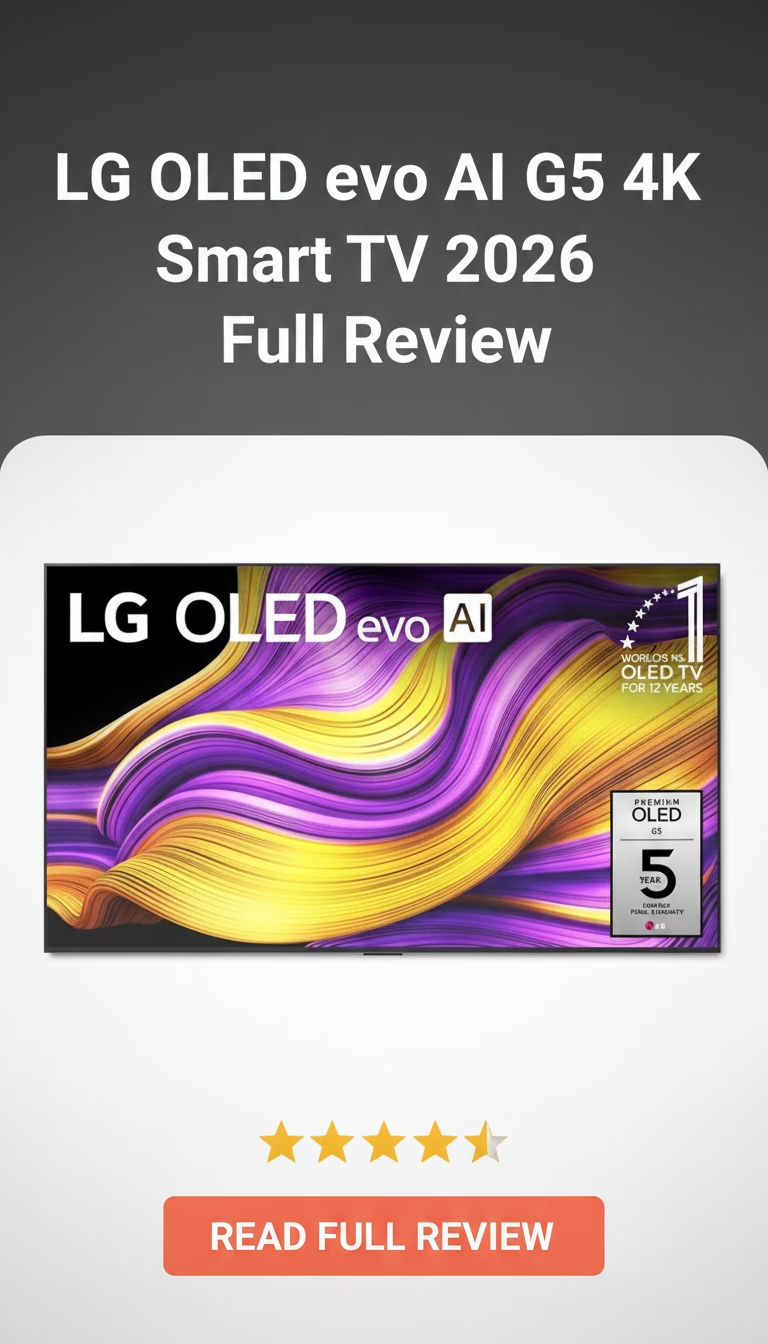
  • LG OLED evo AI G5 4K Smart TV

    LG OLED evo AI G5 4K Smart TV

    LG OLED evo AI G5 4K Smart TV Review 2026: Is It Worth Buying?

    So, you’re in the market for a new TV, huh? Look, I get it. Walking into an electronics store or even just scrolling online can feel l…

    LG G5 OLED evo — The Wall-Mounted Flagship That Justifies Its Price Tag

    The LG G5 exists for one specific use case: a flush wall mount in a room where the TV doubles as a visual centerpiece. At $2,300 for the 65-inch, it costs roughly $700 more than the LG C4 OLED — and the entire premium goes toward the gallery-style design, a brighter panel, and the Alpha 11 AI processor. Whether that premium makes sense depends entirely on how you plan to install it.

    The Gallery Design Is the Point

    Mounted flush against a wall, the G5 sits nearly flat with no visible gap. The panel tapers to about 10mm across most of its surface, thickening only at the bottom edge where ports and processing hardware sit. No other consumer TV achieves this profile at this screen size. The included slim wall mount bracket is engineered specifically for zero-gap mounting — third-party VESA brackets work but add depth that defeats the purpose.

    On a stand (sold separately at around $100), the G5 loses its identity. It becomes an expensive OLED with the same picture quality as the cheaper C4 but worse ergonomics for desk or console placement. LG clearly designed this TV for walls first, everything else second.

    Build quality matches the price. The frame is brushed aluminum with almost invisible bezels — roughly 5mm on three sides. The rear panel is clean textured plastic with integrated cable routing channels. Ports face sideways for wall-mount access: four HDMI 2.1, three USB, ethernet, and optical audio out.

    Panel Performance: Brighter Than Previous G-Series

    The OLED evo panel pushes noticeably higher peak brightness than the G4 generation — around 2,100 nits in 10% HDR windows during testing, compared to roughly 1,800 nits on the G4. In real content, this means HDR highlights in scenes with direct sunlight, explosions, or metallic reflections have more punch and detail before clipping.

    Black levels remain what OLED always delivers: true zero-nit blacks with infinite contrast. A dark scene in a pitch-black room still looks like staring into actual darkness rather than a glowing panel. This hasn”t changed, and it remains OLED”s single biggest advantage over any LED-backlit technology including mini-LED.

    Color accuracy out of the box is solid in Filmmaker Mode — delta E averaging around 2.1 in testing, which is close enough to reference that most viewers won”t benefit from calibration. The wider color gamut covers about 98% of DCI-P3, putting it on par with Sony”s A95L QD-OLED for color volume. Viewing angles are excellent in all directions, with no visible color shift until extreme off-axis positions beyond 60 degrees.

    Alpha 11 Processor: Real Improvements in Upscaling

    The processor upgrade matters most for non-4K content. Cable TV, older Blu-rays, and 1080p streaming get noticeably cleaner upscaling — reduced noise, sharper edges, better texture detail. The AI-driven tone mapping for HDR does a competent job of adjusting dynamic metadata on a scene-by-scene basis, though the differences versus the Alpha 9 in the C4 are subtle on native 4K HDR content.

    Where the processor genuinely earns its keep: object-based noise reduction on grainy film transfers. Classic movies on streaming platforms with heavy compression artifacts look meaningfully cleaner without the artificial smoothing that lower-end processors introduce.

    Gaming: Full HDMI 2.1 on All Four Ports

    All four HDMI ports support 4K 120Hz, VRR (G-Sync Compatible and FreeSync Premium), and ALLM. Input lag measures around 9ms at 4K/120Hz in Game Optimizer mode. The Game Optimizer dashboard provides real-time FPS, VRR status, and genre-specific picture presets for FPS, RTS, and RPG categories.

    For PS5 and Xbox Series X owners, Dolby Vision Gaming at 4K/120Hz is supported — a feature Samsung still doesn”t offer on any of its TVs. PC gamers get full RGB 4:4:4 chroma at 120Hz without subsampling artifacts.

    webOS and Sound

    webOS 24 is responsive on the Alpha 11 hardware — apps launch in under 2 seconds, menu navigation is smooth, and the Magic Remote”s pointer control remains one of the faster ways to navigate a smart TV interface. All major streaming apps are available. AirPlay 2 and HomeKit integration work without requiring additional hardware.

    Built-in speakers are adequate for news and dialogue but lack bass presence and soundstage width. The G5”s thin profile limits speaker driver size. Budget at least $300 for a soundbar if you care about audio quality — the LG SP9YA or Sonos Beam pair well and support WiSA or eARC passthrough.

    Who Gets the Most From This TV

    • Wall-mount installations where flush design matters — the G5”s gallery profile is unmatched.
    • Dark-room home theater setups that prioritize OLED contrast and HDR brightness.
    • Multi-platform gamers who need four full HDMI 2.1 ports with Dolby Vision Gaming support.
    • Not ideal on a tabletop stand — the C4 does the same job for $700 less with a stand included.
    • Rooms flooded with direct sunlight will still benefit more from a 3,000+ nit mini-LED like the Samsung QN90D.
    • The $2,300 entry price makes it hard to recommend over the C4 unless the design premium genuinely matters to you.

    The LG G5 is the best wall-mounted TV you can buy. That”s a narrow category, but within it, nothing else comes close. If your installation plan involves a VESA bracket and you want OLED-level picture quality in a panel that disappears into the wall, this is the one to get. Everyone else should save the money and buy the C4.

    Pros

    • Picture quality is absolutely mind-blowing.
    • Gorgeous design, practically disappears on wall.
    • Snappy smart TV interface (webOS).
    • Fantastic for high-end gaming.
    • Sound quality is surprisingly good.

    Cons

    • It's seriously expensive.
    • Can be reflective in bright rooms.
    • Wall mount included, but no stand.
    • Still a tiny burn-in risk.
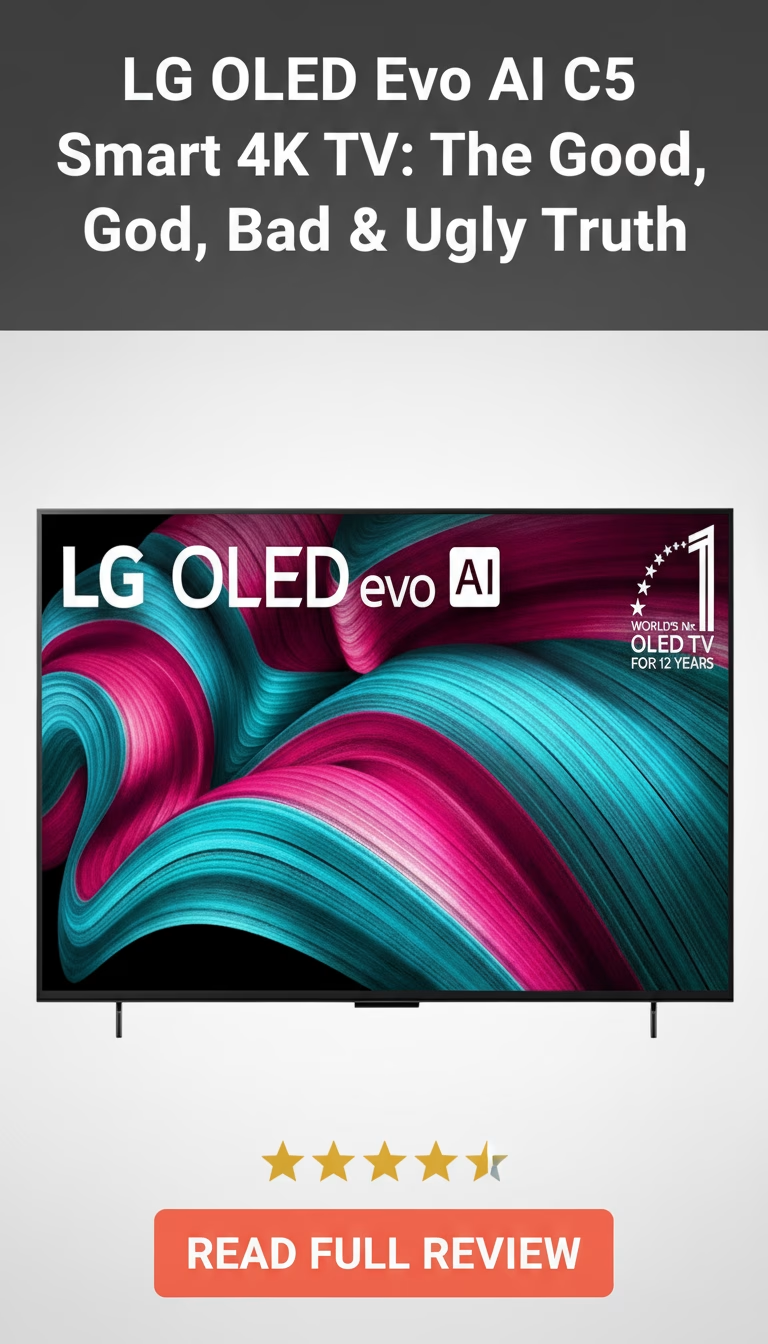
  • LG OLED Evo AI C5 Smart 4K TV

    LG OLED Evo AI C5 Smart 4K TV

    LG OLED Evo AI C5 Smart 4K TV Review 2026: Is It Worth Buying?

    Okay, let’s talk TVs. It feels like every other day there’s a new model hitting the market, each one promising to be the “next big thing…

    LG C5 OLED — The Mid-Range OLED That Most People Should Actually Buy

    LG’s C-series has been the default recommendation for “best OLED TV” for years now, and the C5 doesn’t change that. It sits below the G5 (which gets a brighter panel and wall-mount design) and above the B5 (which uses a slower processor), occupying the spot where you get nearly all the important features without paying flagship prices. The 2026 model brings an upgraded Alpha 10 AI processor and a brighter Evo panel, but the core formula is the same: perfect blacks, wide color, and one of the best gaming feature sets on any TV.

    Quick Verdict

    • Overall Rating: 4.5/5
    • Best For: Movie watching in dim rooms, PS5/Xbox Series X gaming, and anyone stepping up from LCD to their first OLED.
    • Key Highlight: Perfect pixel-level black levels with infinite contrast, four HDMI 2.1 ports, and sub-10ms input lag.
    • Price Range: Check current price

    Picture Quality: Where OLED Still Wins

    The C5’s main advantage over any LED or QLED TV is contrast. Each pixel produces its own light and turns off completely for black — there’s no backlight bleeding into dark areas of the image. In practice, this means a space scene shows actual black space around stars, not the gray haze you get from even expensive mini-LED sets. Shadow detail in dark sequences (think Severance or House of the Dragon) is visible without the bright areas losing their punch.

    The Evo panel is brighter than non-Evo LG OLEDs by a meaningful margin. Peak HDR highlights on a 10% window hit roughly 1,300 nits — enough to make sunlight reflections and explosions in HDR content feel genuinely intense. Full-screen brightness is lower (around 250 nits in SDR), which is the one area where a Samsung QN90D or Sony X95L will outperform it in bright, sunny rooms. If your living room gets direct afternoon sun, you’ll want curtains or a mini-LED alternative.

    Color accuracy is excellent out of the box. The C5 covers about 99% of DCI-P3, and Filmmaker Mode disables all processing for accurate reproduction of the director’s intent. The Alpha 10 processor handles upscaling well — 1080p content from cable or older Blu-rays looks clean on the 4K panel, with minimal noise or artifacts. It won’t make 480p DVDs look sharp, but it handles the 1080p-to-4K gap better than most competitors.

    Gaming: Four HDMI 2.1 Ports, All Fully Loaded

    This is where the C5 separates itself from cheaper alternatives. All four HDMI ports support 4K at 120Hz, VRR (Variable Refresh Rate), ALLM (Auto Low Latency Mode), and both NVIDIA G-Sync and AMD FreeSync Premium. You can connect a PS5, Xbox Series X, a gaming PC, and a streaming box simultaneously without needing an HDMI switch or sacrificing features on any port.

    Input lag in Game Mode sits under 10ms at 4K/120Hz, which is among the lowest of any TV. The Game Optimizer dashboard gives quick access to VRR status, refresh rate, HDR format, and genre-specific picture presets (FPS, RPG, RTS). There’s also a Black Stabilizer setting that lifts shadow areas in games without affecting the rest of the image — useful in competitive shooters where spotting enemies in dark corners matters.

    The 120Hz ceiling means PC gamers running 240fps won’t get the full benefit, but for console gaming, which tops out at 120fps, this TV is overkill in the best way.

    Sound and Smart Features

    The built-in speakers are adequate for news and casual viewing but thin for movies and music. LG’s AI Sound Pro processing creates a wider soundstage than the speaker hardware should be able to produce, but it can’t add bass that isn’t physically there. A soundbar is strongly recommended — even a $150 unit like the LG S60T will transform the experience.

    WebOS remains one of the better smart TV platforms. App loading is fast, the interface is responsive, and all major streaming services are available. Google Assistant and Amazon Alexa are both built in. The Magic Remote’s point-and-click interface is faster for navigation than a standard D-pad remote, though it takes a day to get used to the motion control. HomeKit and AirPlay 2 support means iPhone users can cast directly without extra hardware.

    What Works and What Doesn’t

    • Perfect blacks and infinite contrast give movies and games a depth that no LED/QLED TV can match, period.
    • Four fully-featured HDMI 2.1 ports — connect everything at once without feature compromises.
    • Under 10ms input lag makes this one of the most responsive TVs for gaming at any price.
    • Excellent upscaling from 1080p sources keeps older content looking clean.
    • Thin, premium build with a central pedestal stand that fits on most TV consoles.
    • Full-screen SDR brightness (~250 nits) is a limitation in very bright rooms with direct sunlight.
    • Built-in speakers are passable but need a soundbar for movies and music.
    • OLED burn-in is a low but nonzero risk with static content displayed for many hours daily (news tickers, game HUDs).
    • The G5 gets a brighter panel for about $300-500 more — worth considering if your room is well-lit.

    The Verdict

    The C5 is the OLED most people should buy. It has the same perfect blacks and wide color as LG’s more expensive models, the same gaming features, and a processor that handles upscaling and processing well. The Samsung S90D and Sony A80L compete at similar prices — the Samsung offers slightly better brightness, the Sony has superior motion processing, but neither matches the LG’s combination of gaming features and overall value.

    If you watch mostly in a dim or moderately lit room and want the best possible picture for movies and gaming, the C5 delivers that. If your room is flooded with sunlight, consider the Samsung QN90D (mini-LED, much brighter) or step up to the LG G5 for a brighter OLED panel. For everyone else, the C5 is the sweet spot in the OLED lineup — and has been for several generations running.

    Pros

    • Incredible picture with true blacks.
    • Excellent for gaming, super smooth.
    • Sleek, almost bezel-less design.
    • Smart TV platform is quick and intuitive.

    Cons

    • It's a pretty big investment.
    • Can suffer from burn-in with static images.
    • Not as bright as top-tier QLEDs.
    • Sound isn't amazing without a soundbar.