Samsung S30GD 27-Inch Monitor — Decent IPS Panel, Nothing More
Samsung's S30GD is a 27-inch IPS monitor running at 1920x1080 with a 100Hz refresh rate. It costs around $130, and at that price, you get exactly what you'd expect: a functional display with good colors and not much else. No height adjustment, no speakers, no USB-C — just an HDMI input, a D-Sub connector, and a basic tilt-only stand.
The IPS Panel Does Its Job
The main reason to pick this over a cheaper VA or TN panel is the viewing angles. At 178° horizontal and vertical, colors stay consistent whether you're sitting dead center or off to the side. This matters if you share your screen during meetings or just lean back in your chair regularly. Whites stay white, colors don't shift to that washed-out look you get with TN displays.
Color accuracy is reasonable for this price tier. Out of the box, the S30GD covers about 72% of the NTSC gamut. It won't satisfy a professional photographer, but for web design, document editing, and photo browsing, the colors look natural. Samsung's Eye Saver Mode reduces blue light emission, which actually makes a noticeable difference during evening use — the warm tint takes some getting used to, but your eyes will thank you after a few hours.
100Hz Refresh Rate: A Small but Real Upgrade
The 100Hz panel is the one spec that separates this from the cheapest office monitors still stuck at 60Hz. You won't confuse it with a 144Hz or 240Hz gaming display, but mouse cursor movement and window scrolling feel visibly smoother than 60Hz. For light gaming — think Civilization, Stardew Valley, or casual shooters — the difference is enough to notice without needing a powerful GPU to drive it.
Response time sits at 4ms (GTG), and AMD FreeSync is included. The adaptive sync works with NVIDIA cards too via compatible mode, so tearing is mostly eliminated within the FreeSync range. Don't expect this to compete with a proper gaming monitor in fast-paced titles like Valorant, though. The pixel response isn't fast enough to avoid some smearing during rapid camera movement.
Build: Plastic and Functional
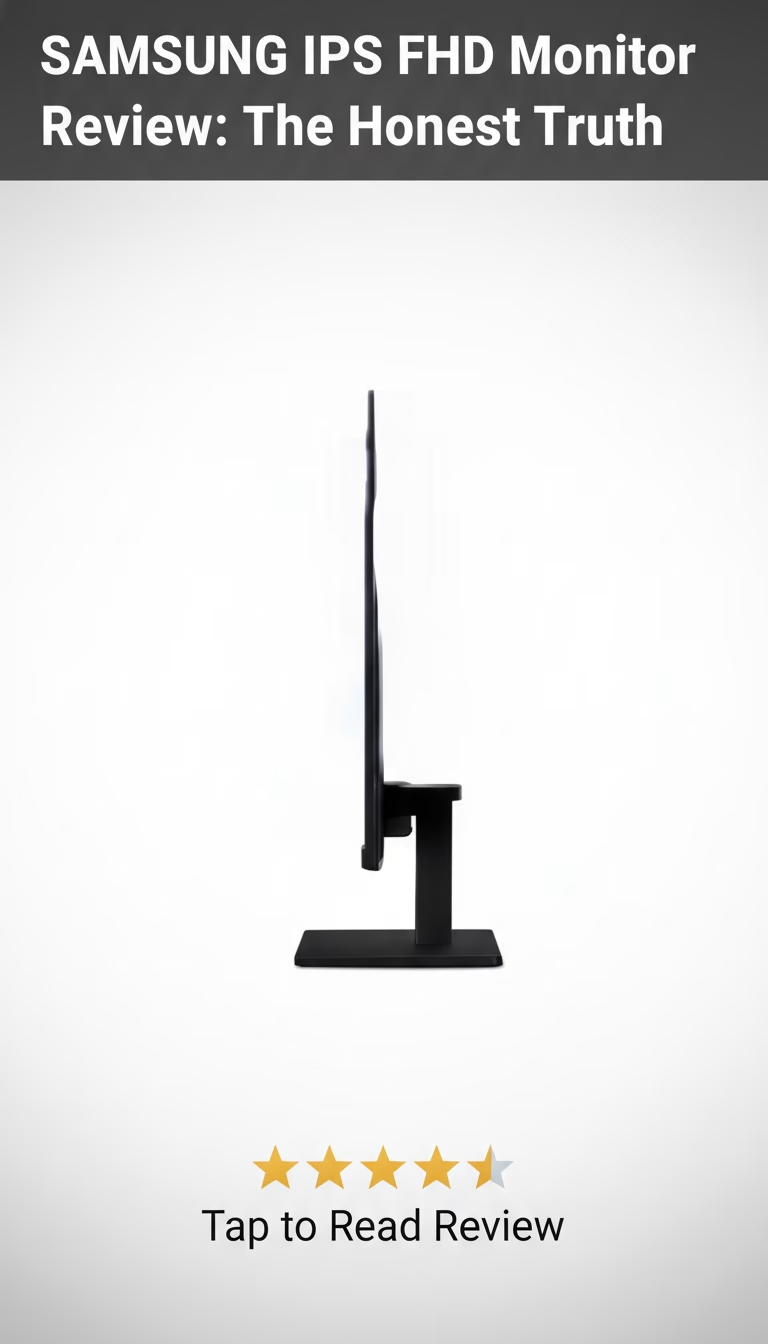
The stand tilts forward and back. That's it — no height, swivel, or pivot adjustment. If you need the screen higher, you're stacking books under it or buying a VESA arm (100x100mm mount is included). The bezels are reasonably thin on three sides, with a slightly thicker chin at the bottom. The whole thing weighs about 8.6 lbs with the stand attached.
Cable management is nonexistent. There's no routing channel in the stand, so cables just hang behind the monitor. The external power adapter adds another cable to deal with. Build quality is fine for the price — the plastic doesn't creak or flex — but nothing about it feels premium.
What Works and What Doesn't
- IPS panel delivers consistent color and wide viewing angles, which VA and TN panels at this price can't match.
- 100Hz refresh rate is a meaningful step up from 60Hz for everyday use and light gaming.
- AMD FreeSync eliminates tearing in the supported range, and it works with NVIDIA GPUs too.
- Flicker-free backlight and blue light filter reduce eye fatigue during long sessions.
- At around $130, it undercuts most 27-inch IPS monitors by $20-40.
- Tilt-only stand with no height adjustment — you'll likely need a monitor arm or a riser.
- No built-in speakers, so you need headphones or external audio.
- 1080p at 27 inches means individual pixels are visible from close up — text isn't as crisp as on a 24-inch 1080p or 27-inch 1440p panel.
- Only HDMI and D-Sub inputs. No DisplayPort, no USB-C.
The Verdict
The Samsung S30GD fills a specific gap: people who want better color than a TN panel but don't want to spend $200+ on a monitor. The IPS technology and 100Hz refresh rate are the right features to prioritize at this price. The Dell SE2722H and LG 27MP400 are the closest alternatives — similar specs, slightly different stand designs.
If you need height adjustment or more than basic connectivity, look at the Samsung T35F instead, which adds a height-adjustable stand and costs about $30 more. And if 1080p at 27 inches bothers you (it does look a bit soft for text-heavy work), dropping to a 24-inch model at the same resolution will give you noticeably sharper text.
For the money, the S30GD is a competent office and casual-use monitor. It does what a basic IPS display should do, at a price that's hard to argue with.
Key Features
Pros & Cons
What We Like
- Excellent image quality with vibrant colors
- Affordable price point for its features
- Sleek and modern design
- AMD FreeSync support for smoother gaming
- Wide viewing angles
What Could Be Better
- Limited height adjustment
- No built-in speakers
- Basic stand design
Specifications
| Brand | Samsung |
|---|---|
| Model | S24R350FHN |
| Dimensions | 21.2 x 16.5 x 8.5 inches |
| Weight | 6.6 lbs |
| Material | Plastic |
| Color Options | Black |
| Warranty | 1-year limited warranty |
| Panel Type | IPS |
| Resolution | 1920 x 1080 (FHD) |
| Response Time | 5ms |
| Refresh Rate | 75Hz |
| Connectivity | HDMI, VGA |
Frequently Asked Questions
Yes, the SAMSUNG IPS FHD Monitor offers great value for the money. It delivers excellent image quality with vibrant colors and a wide viewing angle, making it suitable for both work and entertainment. Considering its affordable price point and features like AMD FreeSync, it's a worthwhile investment.
The SAMSUNG IPS FHD Monitor comes with a 1-year limited warranty. This warranty covers defects in materials and workmanship, providing peace of mind and support in case of any issues. Contact Samsung support for any warranty-related questions or claims.
Compared to similar monitors from competitors like LG or ASUS, the SAMSUNG IPS FHD Monitor stands out for its color accuracy and sleek design at a competitive price. While some competitors may offer more advanced features or higher refresh rates, the Samsung excels in providing a balanced experience for everyday use and casual gaming.
The SAMSUNG IPS FHD Monitor is best for students, home office users, and casual gamers who need a reliable and affordable display. Its IPS panel delivers accurate colors and wide viewing angles, making it suitable for graphic design, photo editing, and multimedia consumption. The AMD FreeSync support also benefits gamers by reducing screen tearing.
Available on Amazon and other major retailers. We recommend checking Amazon for the best current price and fast shipping. You may also find deals or promotions that make it an even better value.
Final Verdict
The SAMSUNG IPS FHD Monitor is a solid choice for users seeking a reliable and visually appealing display for everyday use and casual gaming. With its vibrant IPS panel, FHD resolution, and AMD FreeSync support, it offers a great balance of features and affordability. Check Amazon for the most up-to-date pricing and availability.

Save for later
Found this review helpful?
Pin this article to your Pinterest board and come back to it whenever you need a reminder.
Save to PinterestPrice Tracker
Get Price Drop Alerts
We'll notify you when the price drops below your target.