Read the water rating as a promise about accidents, not an invitation to treat the device like a swimsuit. The most useful thing you can do before buying is find the exact rating code, then check what it says about water and what it says nothing about.
A waterproof e-reader solves a real problem. Paper books warp in the tub, and phones in the bath are a bad bet. But the label on the box is shorter than the fine print, and the gap between the two is where most disappointment happens.
What the rating actually covers
Water resistance is usually written as an IP code, such as IPX8. The letters stand for ingress protection. The first digit covers solids like dust and sand. The second covers water. When the first digit is an X, the device was simply not rated for dust or sand at all.
That detail matters at the beach. An IPX8 device has a water rating and no stated rating for sand. A dropped e-reader that lands in a towel is fine. One ground into a sandy beach bag is a different situation, and the code does not speak to it.
The 8 is the water digit. It sits at the top of the scale for staying submerged, but the manufacturer decides the depth and the time it was tested for. Fresh, still water in a lab is also not the same as a hot bath with soap in it, a pool with chemicals, or the sea. Look for the maker's guidance on salt water and chlorine, and expect that rinsing with fresh water afterward is a sensible habit.
One more thing the rating does not promise: that it lasts forever. Seals can wear, and a device that has been dropped hard may no longer be as sealed as it was on day one.
What actually matters, and the check for each
1. The exact rating, not the word "waterproof"
Marketing copy uses "water resistant", "splash proof" and "waterproof" loosely. Only an IP code tells you something specific.
The check: find the code in the spec list. If there is only a word and no code, treat it as splash protection and keep it away from the tub.
2. How readable the screen is in sun
Beach reading fails for one reason more than any other: glare. A glossy tablet screen turns into a mirror under open sky. E-ink screens are matte by nature, but some are better treated than others.
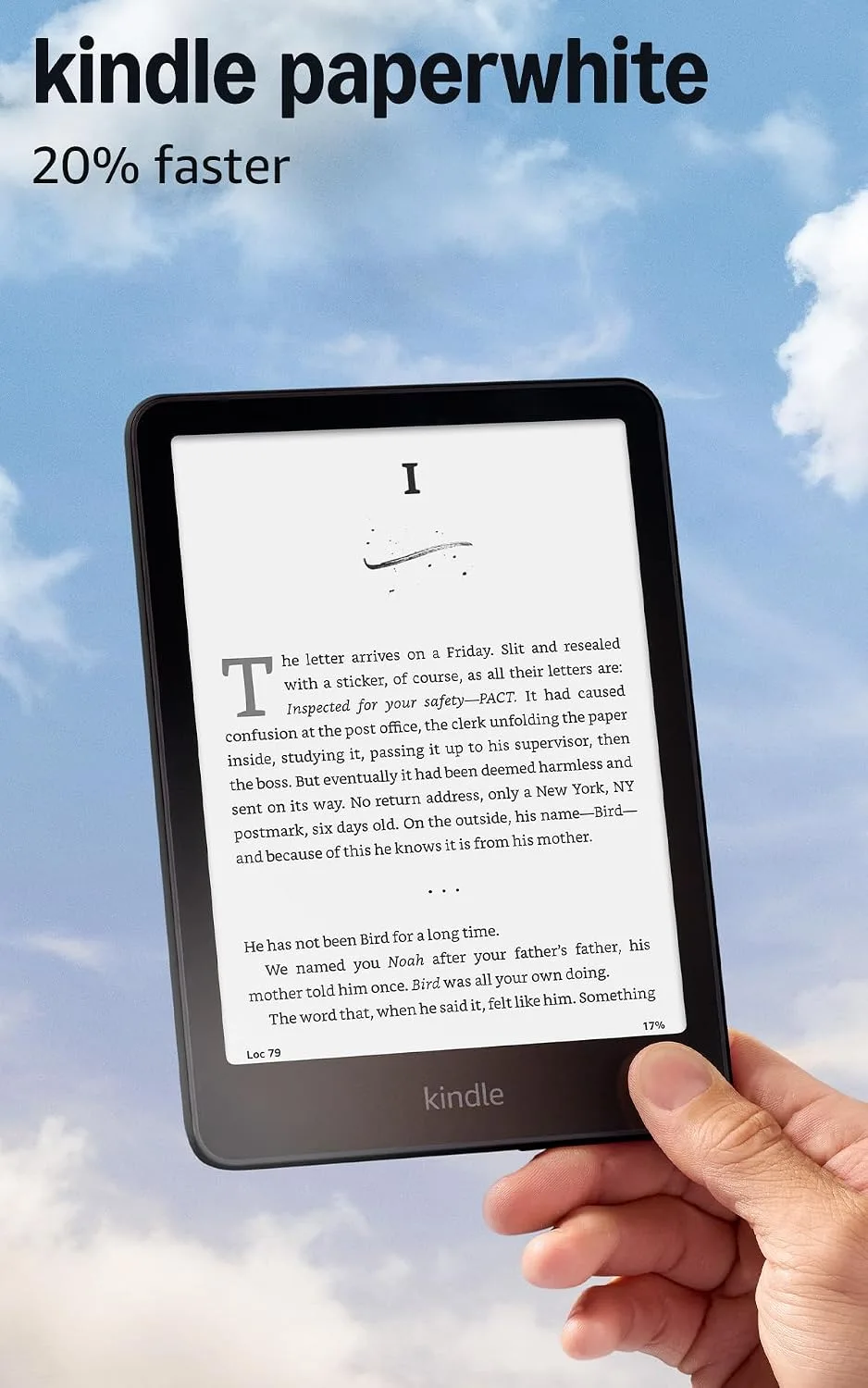
The check: look for a glare-free or matte screen and a stated pixel density. Sharper text is easier on the eyes when you are squinting at a page with the sky behind it. Then read owner feedback about outdoor use rather than relying on the spec sheet alone.
3. Battery life and the charging port
Battery life sounds like a convenience feature, but near water it is a safety one. The less often you plug in, the less often you expose the charging port to a wet device. A reader that needs charging every few days will meet water and a cable far more often than one that goes weeks.
The check: read the stated battery life, then look at what owners say about how often they charge in practice. Before plugging in, dry the port. A towel and a few minutes is enough, and it is a better habit than rushing.
4. A front light you can warm up
Bath reading is often evening reading. A harsh white light is tiring late at night, and it can keep some people awake. A light that shifts toward amber is easier to live with.
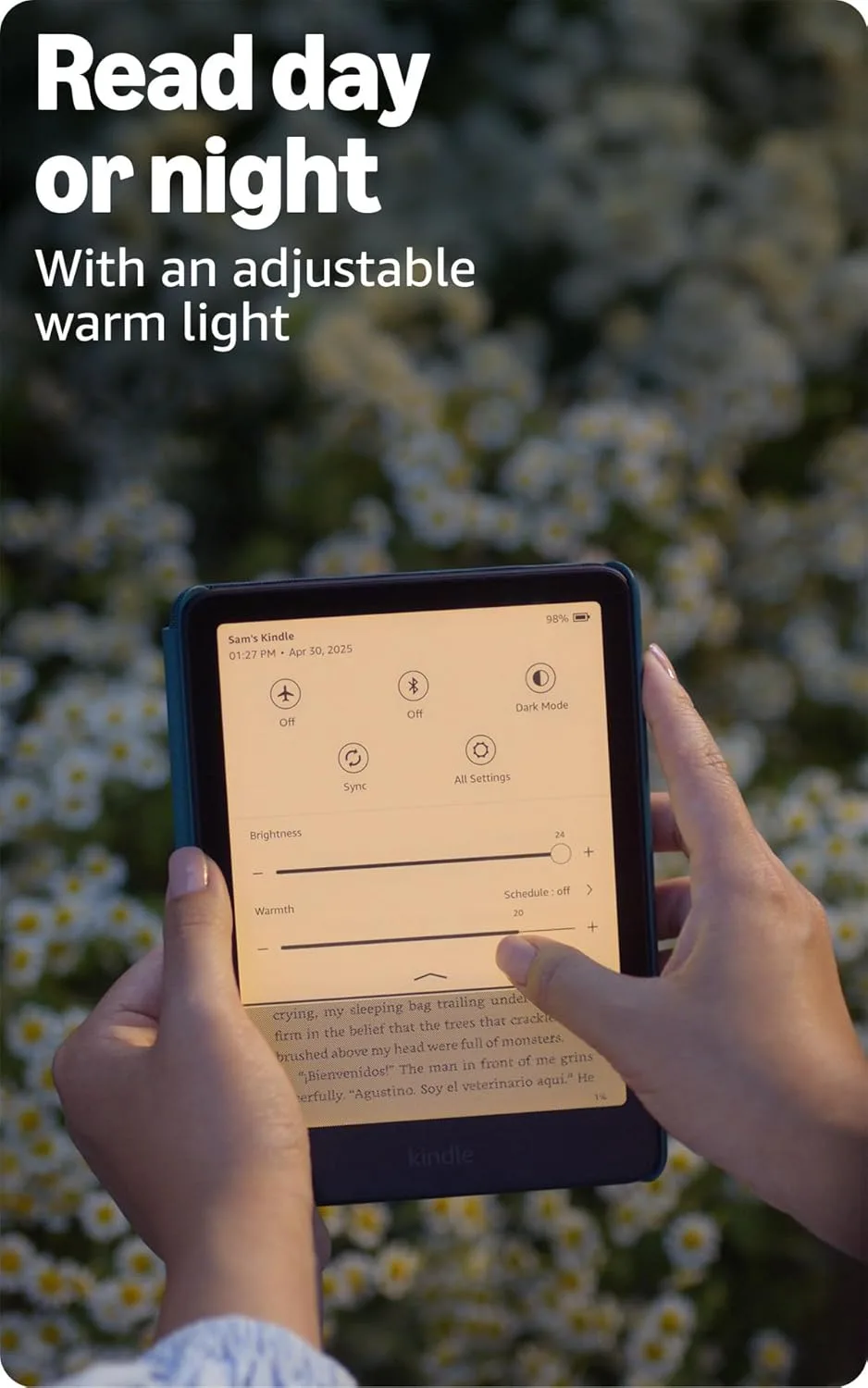
The check: look for an adjustable color temperature, not only a brightness slider. If a reader has only white light, assume you will be reading at the dimmest setting after dark.
5. Size and weight for one hand
You hold a bath reader with wet or slippery hands, often propped against your knees or the edge of the tub. A large device is awkward there. A tiny one means constant page turns. Most people land in the middle.
The check: compare screen size against how you read. If you read lying down or in bed, one-handed comfort matters more than a few extra lines per page. Owners of the Paperwhite covered below call its size the right balance, with a roomy page on a device that is still light to hold.
6. Where your books come from
This is the factor people check last and regret first. An e-reader is tied to a store. Some devices read open formats freely, while others make books from outside their own store awkward.
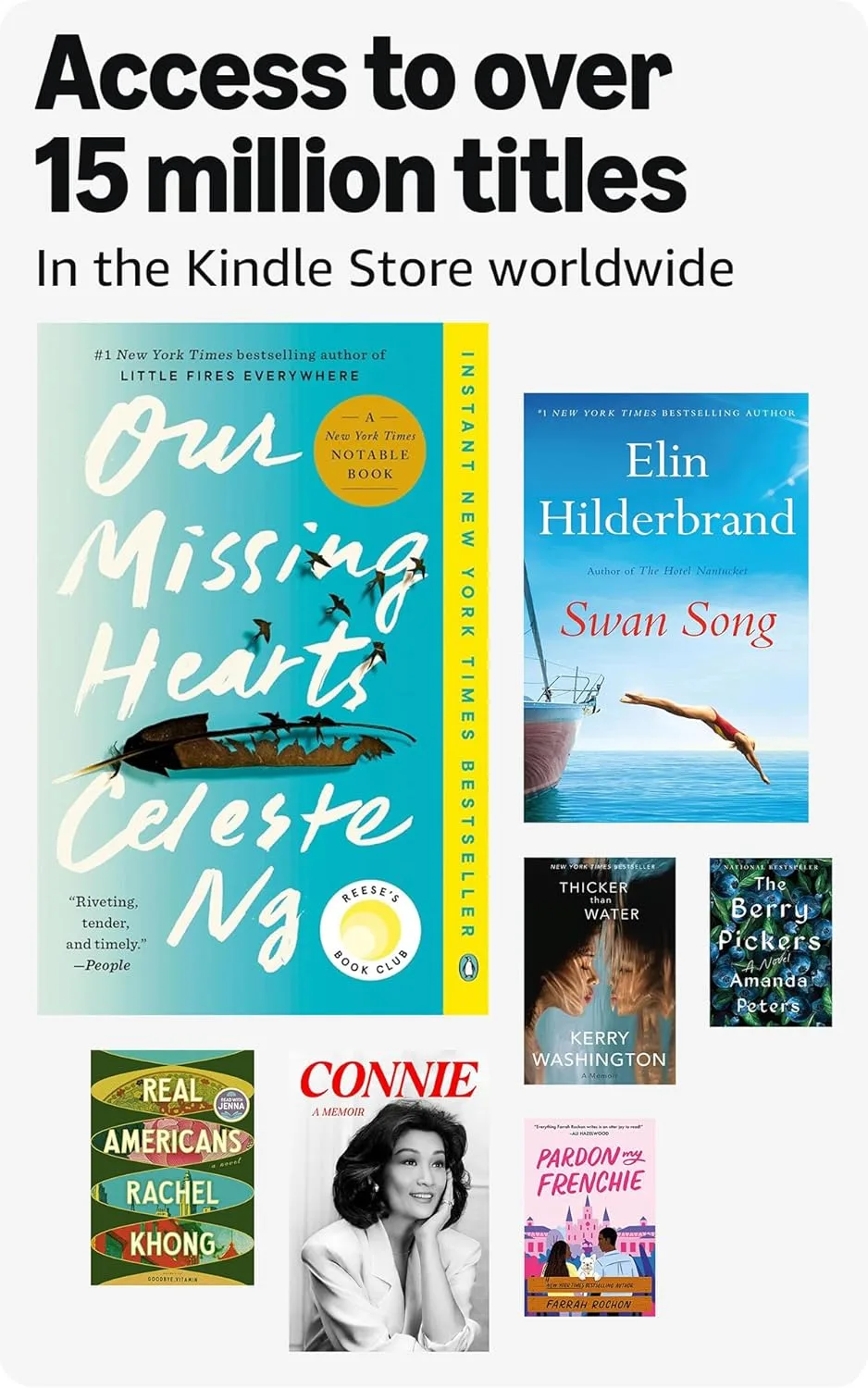
The check: before buying, list where your current books live. If you have a large library from another store, find out how easily it moves over. If you buy most books fresh, or borrow through a subscription, the question matters less.
7. Storage
Text takes very little space, so storage is rarely a limit for novels. It matters more if you add audiobooks or lots of graphic-heavy titles.
The check: estimate how many books you want on the device at once, not how many you own. You can keep a handful on the device and archive the rest.
What to ignore
- Color screens, unless you read comics or magazines. Color e-ink is a trade-off, and for text it is not an advantage. If you read novels, it is a feature you will rarely use.
- Stylus and note-taking features. They are useful for annotating PDFs and sketching. They do nothing for a paperback in the tub.
- App stores and web browsers. A reader that can do everything will also interrupt you. The point of the category is that it cannot.
- Extreme thinness. A device slightly thicker and easier to grip is a better bath companion than a very slim one that slips.
- Cosmetic accessories bundled in. A cover is useful. A cover is not a reason to pick one device over another.
Common mistakes
- Assuming waterproof means sand-proof. The dust digit in many ratings is simply X. Keep the reader in a pouch or the shade on a beach day, and shake out the towel before you pick it up.
- Using it in a hot bath without checking the guidance. Water ratings are tested under set conditions. Heat, soap and oils are not always part of them.
- Skipping the rinse after salt or chlorine. Check the maker's care advice, and when in doubt, rinse with fresh water and dry it off.
- Charging it wet. A damp USB port is the easiest way to cause a problem on a device that is otherwise sealed.
- Moving a big library without checking compatibility. A minority of buyers are unhappy with how some ecosystems handle books bought elsewhere. Test with a few titles before committing.
- Buying a large screen "for comfort" and then not holding it. If it is tiring to hold in bed, it will not be used in the tub either.
Which kind of buyer should pick what
The bath reader. You want a screen that is easy to read, a warm light for late evenings, and a size you can hold in one hand. Water rating is the baseline. Warm light and weight are what you will notice nightly.
The beach and pool reader. Glare handling and battery life come first. You are away from outlets, and the device is in a bag with sunscreen and sand. A rated, rinsable device that you charge rarely beats one that needs a cable at the hotel every night.
The bed reader who occasionally goes near water. You may not need top-of-range protection, but a waterproof rating still saves you from the one spilled glass. For you, front-light quality and weight count most.
The reader with a big library elsewhere. Start with the ecosystem question, not the water one. A well-sealed device that makes your books awkward to read will sit in a drawer.
The reader who wants color, notes or a pen. A waterproof, text-first reader is not for you. Look at a different category and accept that the bath is off-limits.
Where our catalog fits
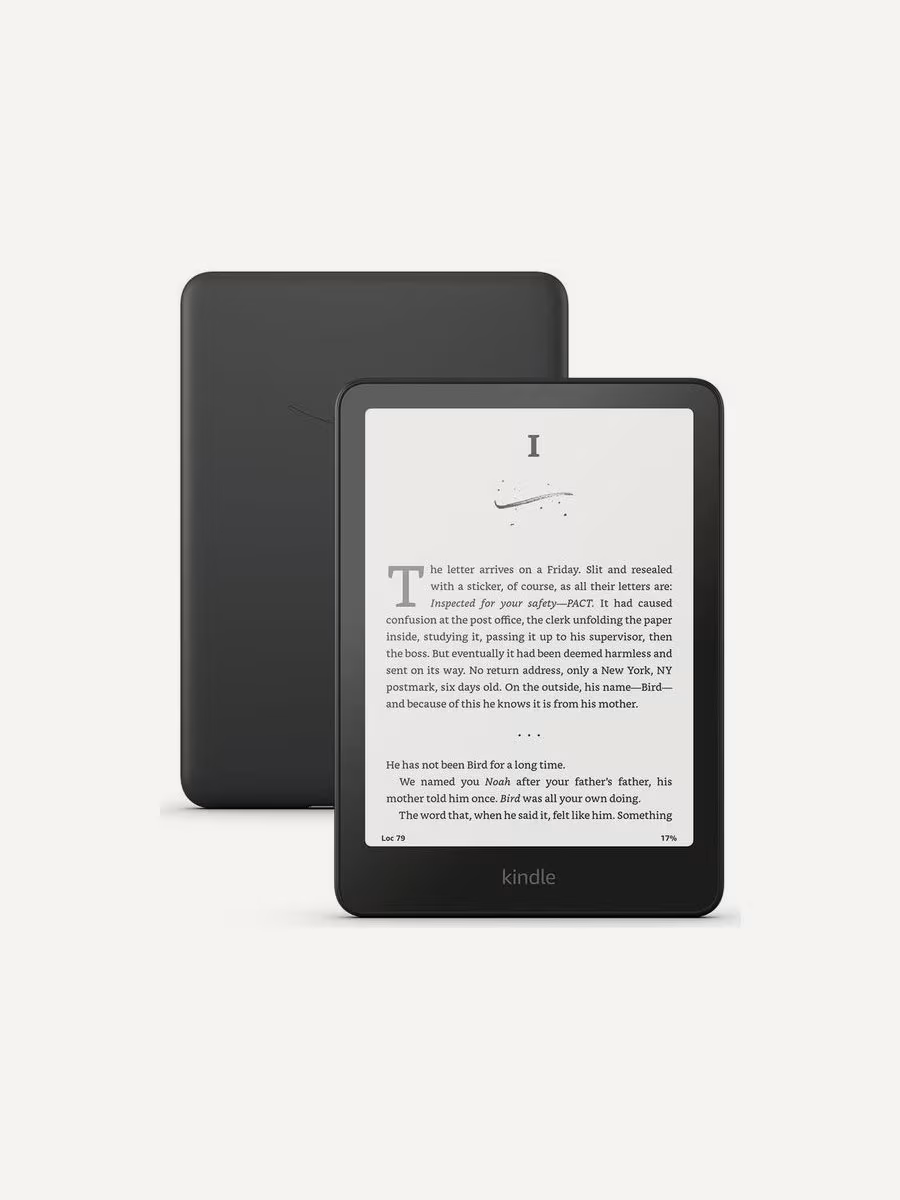
The waterproof e-reader we cover here is the Amazon Kindle Paperwhite 16GB. It checks the factors above in a straightforward way.
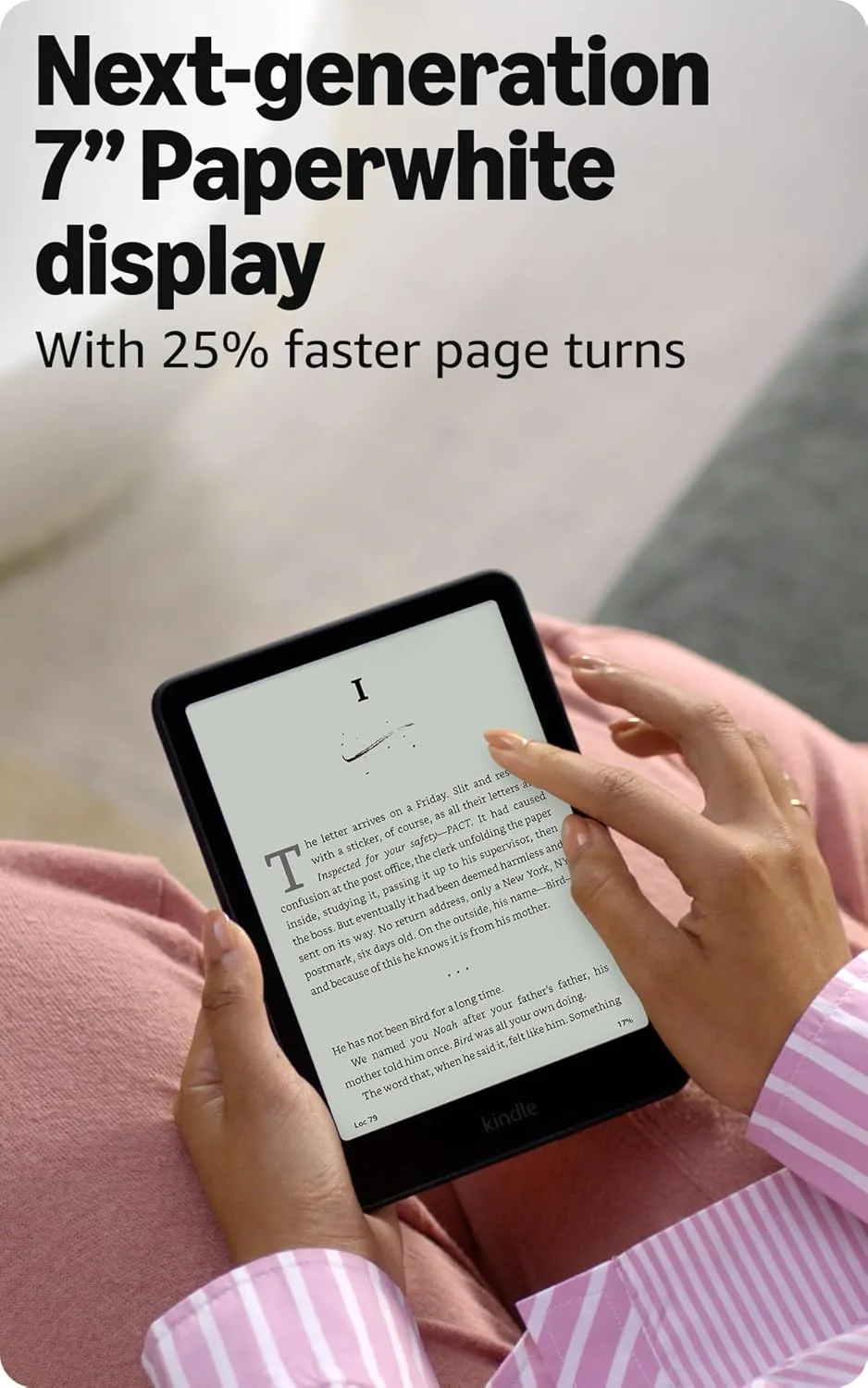
It is rated IPX8 and described as built to survive the bath, the pool and a spill. Read that the way you would read any rating: it covers water, and sand is a separate matter. The 7-inch glare-free screen is 300 ppi and readable in direct sun, which is the combination you want for a beach chair. The front light shifts from white to amber, so late-night reading is easier on the eyes.
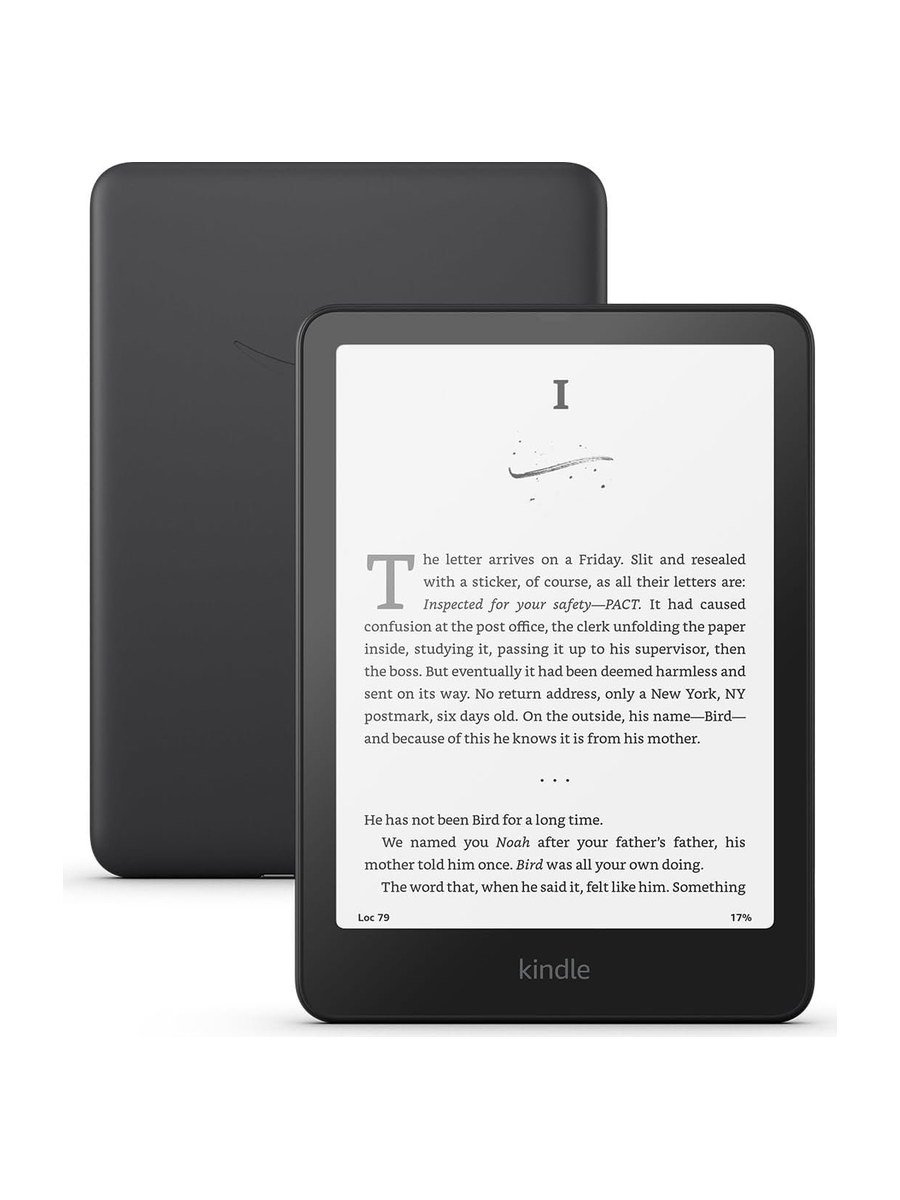
The fastest and brightest Paperwhite yet, with a 7-inch screen that finally feels roomy. Unless you need colour or a pen, this is the Kindle to get.
As an Amazon Associate we earn from qualifying purchases. Links on this page may be affiliate links; we may earn a commission at no extra cost to you.
Battery is the point owners raise first. A single USB-C charge lasts up to 12 weeks of typical reading, and owners describe charging as something that happens rarely rather than weekly. That fits the wet-port advice above, since there are fewer occasions to plug in near water. The 25% faster page turns, compared with the previous Paperwhite, come up often from people moving from older Kindles.

On size, owners widely call it the right balance between a roomy page and a device light enough to hold one-handed in bed. That is the same comfort you want propped against a tub.
The trade-offs are modest but real. The standard model has no automatic brightness, so you adjust the light yourself. Wireless charging needs the Signature Edition. And books from other stores need a workaround, which is the one point that makes some buyers unhappy. If your library lives elsewhere, test a few titles before you commit. It also has no color screen and no pen support, so it is not the choice for comics or handwritten notes.
It works with the Kindle Store and Kindle Unlimited, has 16 GB of storage, and offers no social media or notifications. For readers who want a fast, waterproof device for the bath, the beach and bed, it is the Kindle we would point you to. Check the current price before you decide.
Read the full review for the detail on screen, speed and the ecosystem question. Whichever device you choose, treat the rating as protection against accidents, rinse and dry it after salt or chlorine, and keep it out of the sand.
Found this review helpful?
Pin it to one of your boards and come back to it whenever you need a reminder.


No comments yet.
Join the discussion. Comments are moderated before appearing.