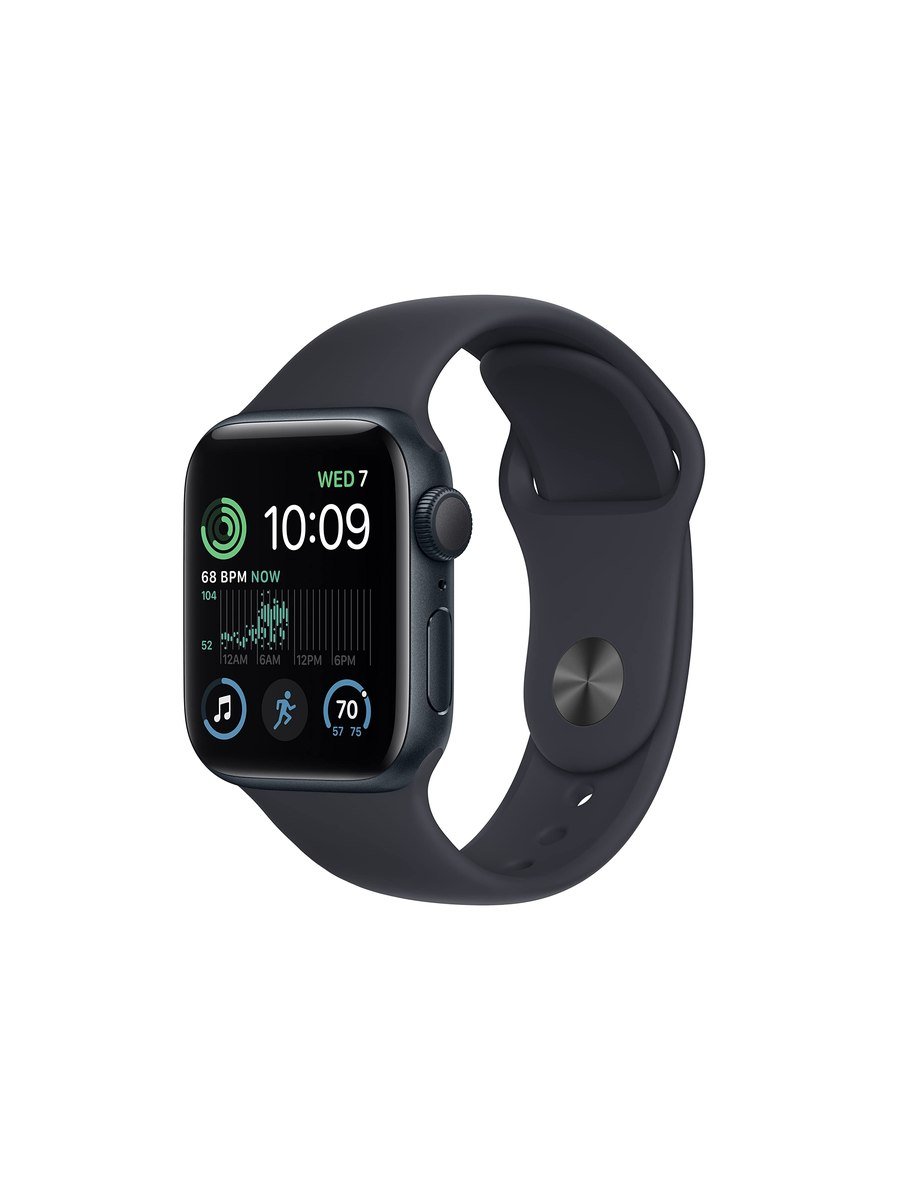
Apple sells three watches and most people buy the wrong one. The SE has the same everyday speed as the expensive model, the same safety features that actually matter, and a price that leaves room for a decent band and a case.
What you keep
Fall detection, crash detection and Emergency SOS: the three features that justify a smartwatch to a sceptical relative. High and low heart rate notifications and irregular rhythm alerts are all here too. So is the full watchOS experience — calls, texts, Siri, music, Apple Pay, workout tracking — running on the same chip generation as the flagship, so nothing feels slow.
Water resistance is 50 metres, which covers swimming. Workout tracking covers the sports most people actually do, with GPS on board so a run does not need the phone.
What you give up
No always-on display, which is the difference you notice first. You raise your wrist to see the time, and in a meeting or at a dinner table that gesture is obvious. Some people adapt in a day; some never stop being annoyed by it.
No ECG app, no blood oxygen sensor, no skin temperature sensing, no depth gauge. If you have a specific reason to want ECG, that is a genuine reason to spend more. For general fitness and sleep tracking, the SE's sensor set is sufficient.
The case is aluminium only, the screen is smaller than the current flagship's, and there is no fast charging worth the name.
Which Apple Watch, put plainly
| If this is you | Buy |
|---|---|
| First smartwatch, want the safety features | SE |
| Buying for an older relative | SE, with fall detection switched on |
| You check the time constantly in meetings | A Series, for the always-on screen |
| A doctor has mentioned atrial fibrillation | A Series, for ECG |
| Diving, or multi-day hikes | Ultra |
| You run and hate charging | Neither; a running watch |
Set these up on the first day
The safety features are the reason to own this watch and two of them are not on by default in the way people assume. Fall detection is enabled automatically only for users over a certain age; for everyone else it sits in the Watch app waiting to be switched on, and it is worth turning on for anyone who cycles, climbs or lives alone. Medical ID needs filling in properly, because that is what emergency responders see on a locked watch, and an empty one helps nobody. Add emergency contacts so a fall or crash call also texts them your location. And if the watch is for a relative who does not carry an iPhone everywhere, look at the cellular model instead, because the GPS-only version needs the phone nearby to call for help.
Battery
About eighteen hours, which means charging every night. That is the Apple Watch bargain and it has not changed. If you want sleep tracking you have to find another window to charge — most people do it while showering or at a desk. Anyone coming from a Garmin or a Fitbit will find this the hardest adjustment.
Two habits make eighteen hours comfortable. Charge while you shower and get dressed, which is usually forty minutes and enough for a full day, so the watch can stay on overnight for sleep. And turn off the workout heart rate alerts and background app refresh for apps you never open on the wrist; both quietly cost more battery than the screen does.
Compatibility
iPhone only, and it needs an iPhone Xs or later running a current iOS. There is no Android path and there never will be. Factor in that the watch is effectively locked to your phone choice for its life.
Should you buy it?
Buy the SE if you carry an iPhone and want the safety features, notifications and fitness tracking without paying flagship money. Skip it if you need ECG or blood oxygen, if an always-on display matters to you, or if you want a watch that lasts a week between charges.
Key features
Crash detection
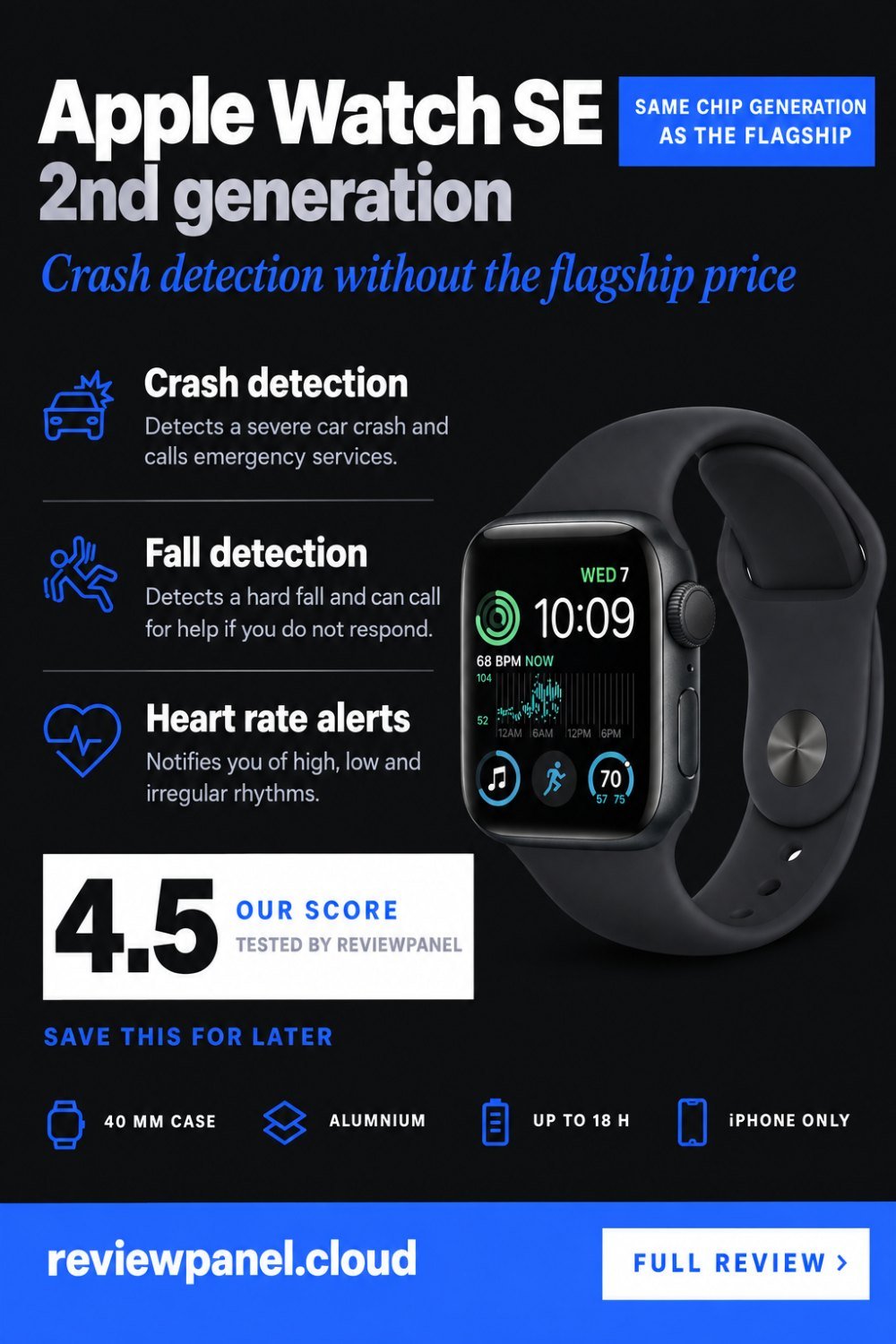
Detects a severe car crash and calls emergency services.
Fall detection
Detects a hard fall and can call for help if you do not respond.
Heart rate notifications
Alerts for high, low and irregular rhythms.
Built-in GPS
Track pace and route without carrying the phone.
50 m water resistance
Suitable for swimming and showering.
watchOS
Calls, messages, Siri, Apple Pay and the full app library.
Pros & cons
What we like
- Crash and fall detection plus Emergency SOS
- Same chip generation as the flagship, so nothing feels slow
- Full watchOS: calls, texts, Apple Pay, Siri
- Built-in GPS for phone-free runs
- 50 m water resistance for swimming
- Costs much less than the Series models
What could be better
- No always-on display
- No ECG, blood oxygen or skin temperature sensor
- About 18 hours of battery, so nightly charging
Specifications
Frequently asked questions
The always-on display, the ECG app, the blood oxygen sensor, skin temperature sensing and the larger screen. Everyday speed and the safety features are the same.
No. The Apple Watch requires an iPhone and there is no Android support.
About 18 hours, so nightly charging. If you want sleep tracking you need to charge at another time of day.
Yes, it is rated to 50 metres, which covers pool and open-water swimming.
Yes, GPS is built in, so runs and rides are tracked without carrying an iPhone.
Only for users over a certain age. Everyone else has to enable it in the Watch app, which is worth doing for anyone who cycles, climbs or lives alone.
Fall detection, a properly filled-in Medical ID, and emergency contacts so a fall or crash call also texts them your location. For a relative who does not carry their iPhone everywhere, consider the cellular model.
Charge while you shower and dress, which is usually enough for a full day, and leave the watch on overnight. Turning off background refresh for apps you never open on the wrist helps more than screen settings do.
Final verdict
The same speed and the same safety features as the flagship for far less money. You give up the always-on screen, ECG and blood oxygen.
What owners report
Gathered from what long-term owners consistently say, not from a single test.
In daily use the battery wants a charger before bedtime, so anyone tracking sleep ends up moving the charge to the morning shower instead. The aluminium edges pick up marks from door handles and desk corners long before the glass shows anything. People coming from a Series model spend the first week missing the always-on screen; the wrist-raise habit takes a while to settle. Those who have never worn a smartwatch before almost never mention it as a loss.
Reader rating
Found this review helpful?
Pin it to one of your boards and come back to it whenever you need a reminder.

No comments yet.
Join the discussion. Comments are moderated before appearing.