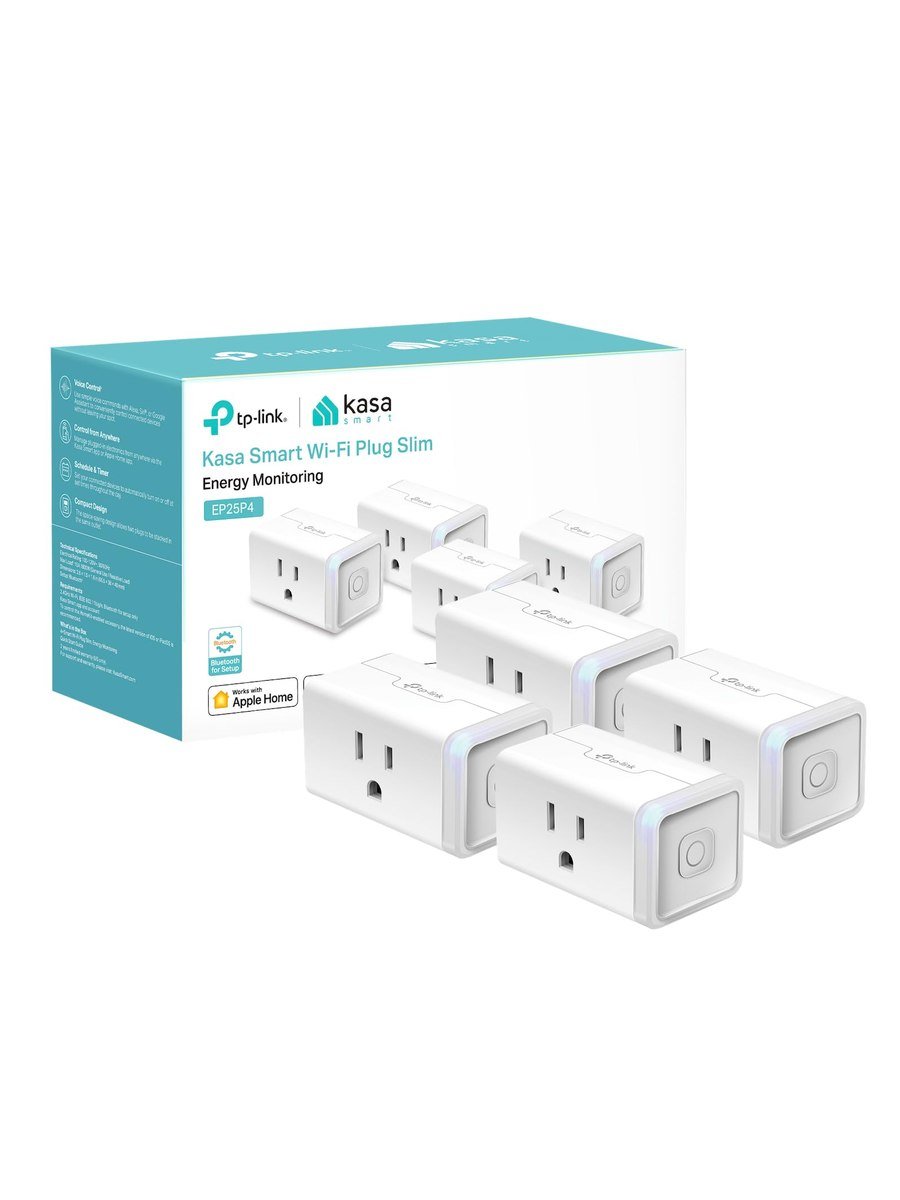
Smart plugs are the least glamorous part of a smart home and the part you end up using most. The EP25 has been our default recommendation for a while, for three unremarkable reasons: it is small, it works with everything, and it does not need a hub.
Size matters more than you think
Most smart plugs are fat enough to cover the second socket in a double outlet. The EP25 is designed not to. That sounds trivial until you have four of them around the house and have not lost a single socket to them. It handles fifteen amps, so it is rated for a space heater rather than just a lamp.
Compatibility
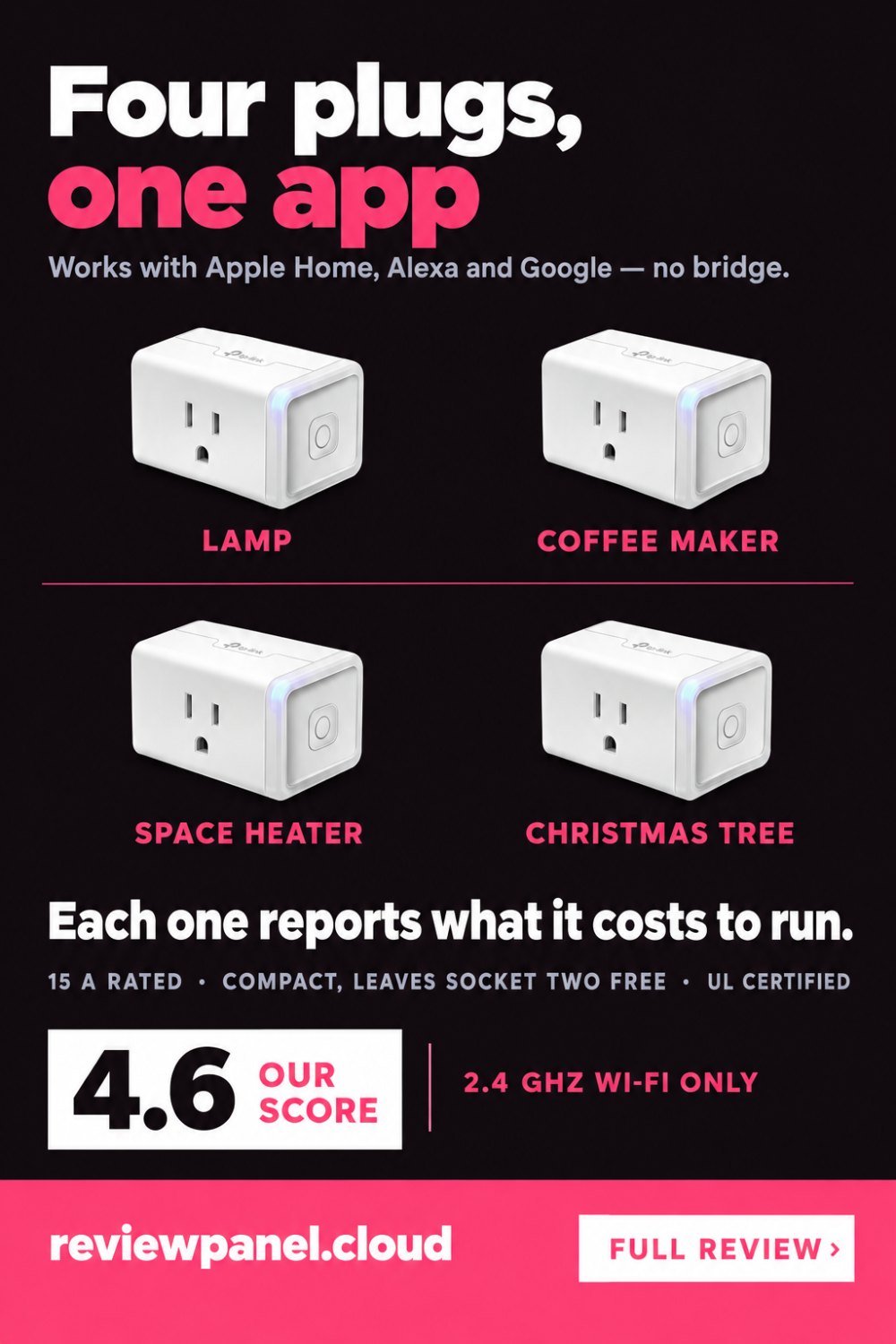
This is the model's real advantage. Siri and Apple Home, Alexa, Google Assistant and Samsung SmartThings all work, and none of them need a bridge. Apple Home support is the unusual one — plenty of cheap plugs skip it — and it means a mixed household does not have to argue about ecosystems. Setup is Wi-Fi only on 2.4 GHz, which is standard and fine.
The setup problem nobody warns you about
These plugs join 2.4 GHz networks only, and most modern routers publish one name for both bands and decide for you which one a device gets. When setup fails at the last step, over and over, that is almost always why: the phone is on 5 GHz and the plug cannot follow it. The fix takes two minutes. Either turn the 5 GHz band off in the router settings while you add the plugs and turn it back on afterwards, or give the two bands separate names and put your phone on the 2.4 GHz one for the duration of setup. Nothing about the plug needs changing.
Energy monitoring, and what it actually finds
Each plug reports how much power the attached device is drawing, and the Kasa app keeps a running history. This is more useful than it sounds. Plug in the old fridge in the garage, or the games console that never really sleeps, and you find out what standby actually costs. It is not laboratory-accurate, but it is accurate enough to change behaviour.
The arithmetic is worth doing once: a device drawing one watt continuously uses about 8.8 kilowatt-hours a year. At twenty cents a unit that is roughly $1.75 a year per watt of standby. So the numbers people find look like this.
| What is plugged in | Typical standby draw | Per year, at 20¢/kWh |
|---|---|---|
| Games console left in rest mode | 10–15 W | $18–$26 |
| Old set-top box or satellite receiver | 15–20 W | $26–$35 |
| Desktop PC asleep, with monitor | 5–10 W | $9–$18 |
| Television on standby | 0.5–2 W | $1–$4 |
| Phone charger with nothing attached | Under 0.5 W | Under $1 |
Those are the ranges that turn up; measure your own rather than trusting the table, which is the entire point of having the meter. The pattern is consistent though: the things worth switching off are boxes with a processor in them, not chargers, and the folk wisdom about unplugging phone chargers is mostly noise.
Scheduling and the practical uses
Schedules, countdown timers, sunset and sunrise triggers, and an away mode that switches lamps on and off unpredictably. The uses that stick are unglamorous: coffee machine on at 6:30, Christmas lights off at midnight, the heated towel rail for two hours in the morning, the aquarium light on a fixed cycle.
What not to plug into it
Three things. Anything above its fifteen-amp rating, and anything plugged in through an extension lead that then carries other loads, because the plug can only protect what it can see. Anything that must not lose power without you noticing — a freezer, a medical device, a fish tank heater in winter — since a smart plug adds one more thing that can fail or be switched off by a mistyped routine. And anything with a mechanical power switch that does not return to its previous state after a power cut, because a heater that needs its own button pressed will not come on when the plug does.
The limits
It is Wi-Fi, so each plug takes an address on your network and depends on your router being up. It is not Matter — TP-Link sells separate Matter models under the Kasa and Tapo names if that matters to you. And local control is limited: if the internet drops, voice assistants stop working even though the plug is three metres away. The button on the plug itself always works, which is worth knowing before you route something important through one.
Should you buy it?
Buy the EP25 if you want plugs that work with whatever assistant the household uses and do not block the second socket. Skip it if you specifically need Matter, or if you want everything to keep working when the internet goes down.
Key features
Apple HomeKit support
Works with Siri and the Home app without a bridge.
Energy monitoring
Reports live draw and keeps a usage history in the Kasa app.
15 A rating
Enough for space heaters and other high-draw appliances.
Compact design
Sized so it does not cover the second socket in a double outlet.
Scheduling and timers
Countdown, sunrise and sunset triggers, plus an away mode.
No hub required
Connects directly to 2.4 GHz Wi-Fi.
Pros & cons
What we like
- Compact body does not block the second socket
- Works with Siri, Alexa, Google and SmartThings
- Energy monitoring per plug with history
- 15 A rating covers heaters, not just lamps
- No hub required
- UL certified with a two-year warranty
What could be better
- Wi-Fi only, so it depends on your router
- Not a Matter device
- Voice control stops if the internet drops
Specifications
Frequently asked questions
Yes, it supports Apple HomeKit and Siri directly, with no bridge. That is unusual at this price and the main reason to choose it.
No. If you need Matter, TP-Link sells the KP125M series instead. The EP25 uses the Kasa cloud and HomeKit.
It is designed not to. In a standard double outlet you can fit a normal plug alongside it.
Accurate enough to compare devices and spot standby waste. Do not treat it as a calibrated meter for billing purposes.
It is rated for 15 A, which covers most portable heaters. Check the heater's own rating and never daisy-chain it through an extension lead.
The plug joins 2.4 GHz networks only, and most routers publish one name for both bands. Your phone is on 5 GHz and the plug cannot follow it. Turn 5 GHz off while you add the plugs, or give the bands separate names and put the phone on the 2.4 GHz one.
One watt drawn continuously is about 8.8 kilowatt-hours a year, so roughly $1.75 at twenty cents a unit. A games console in rest mode at 10 to 15 watts is $18 to $26 a year; a phone charger left plugged in is under a dollar.
Anything over its fifteen-amp rating, anything that must not silently lose power such as a freezer or a fish tank heater, and any appliance whose own switch does not return to on after a power cut.
Final verdict
Small enough to leave the second socket free, works with Apple Home as well as Alexa and Google, and tells you what each device costs to run.
What owners report
Gathered from what long-term owners consistently say, not from a single test.
The most common setup snag is the 2.4 GHz requirement, which means temporarily disabling 5 GHz on routers that use a single network name. Past that step, dropped connections are almost never described, and there are people with these plugged in for years. They really are small enough to leave the second socket on a double outlet usable. The energy figures are approximate, and owners use them to spot heavy appliances rather than to check a bill.
Reader rating
Found this review helpful?
Pin it to one of your boards and come back to it whenever you need a reminder.

No comments yet.
Join the discussion. Comments are moderated before appearing.