Before you compare any specs, decide where you read and where your books come from. Those two answers settle more of the choice than screen resolution or storage size.
An e-reader is a narrow tool. It does one job, and it does it well when the details fit your habits. The details are few: how sharp and readable the screen is, how it lights the page at night, whether it survives water, how much it can hold, and which bookstore it ties you to. The rest is marketing.
This guide takes each factor in turn, gives you a concrete check to run, and then says what you can safely ignore.
What actually matters
The screen: sharpness, size and glare
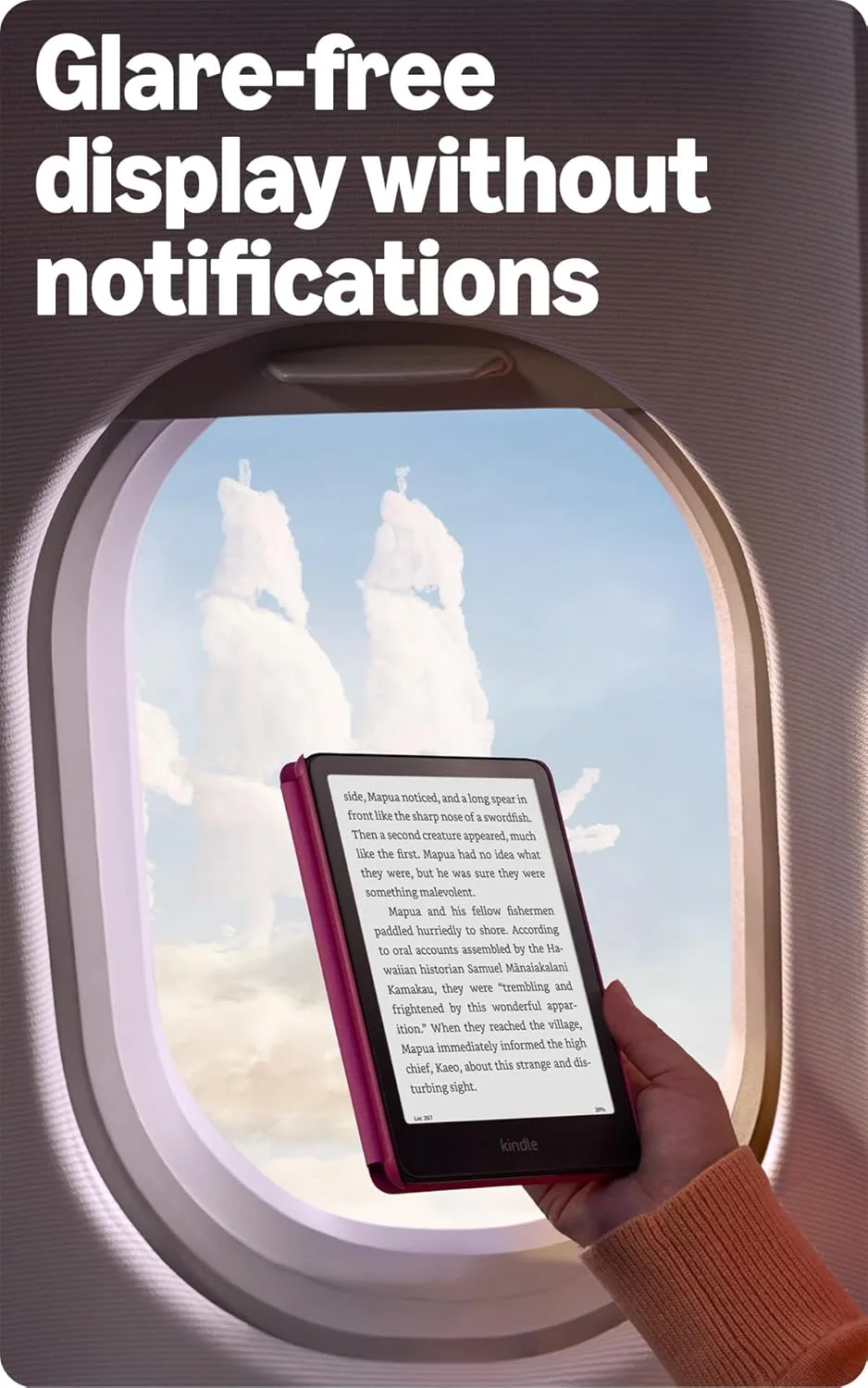
E-reader screens use a paper-like display that is read by reflected light, which is why it stays legible outdoors where a phone struggles. Three things differ between models: pixel density, physical size, and how the surface handles glare.
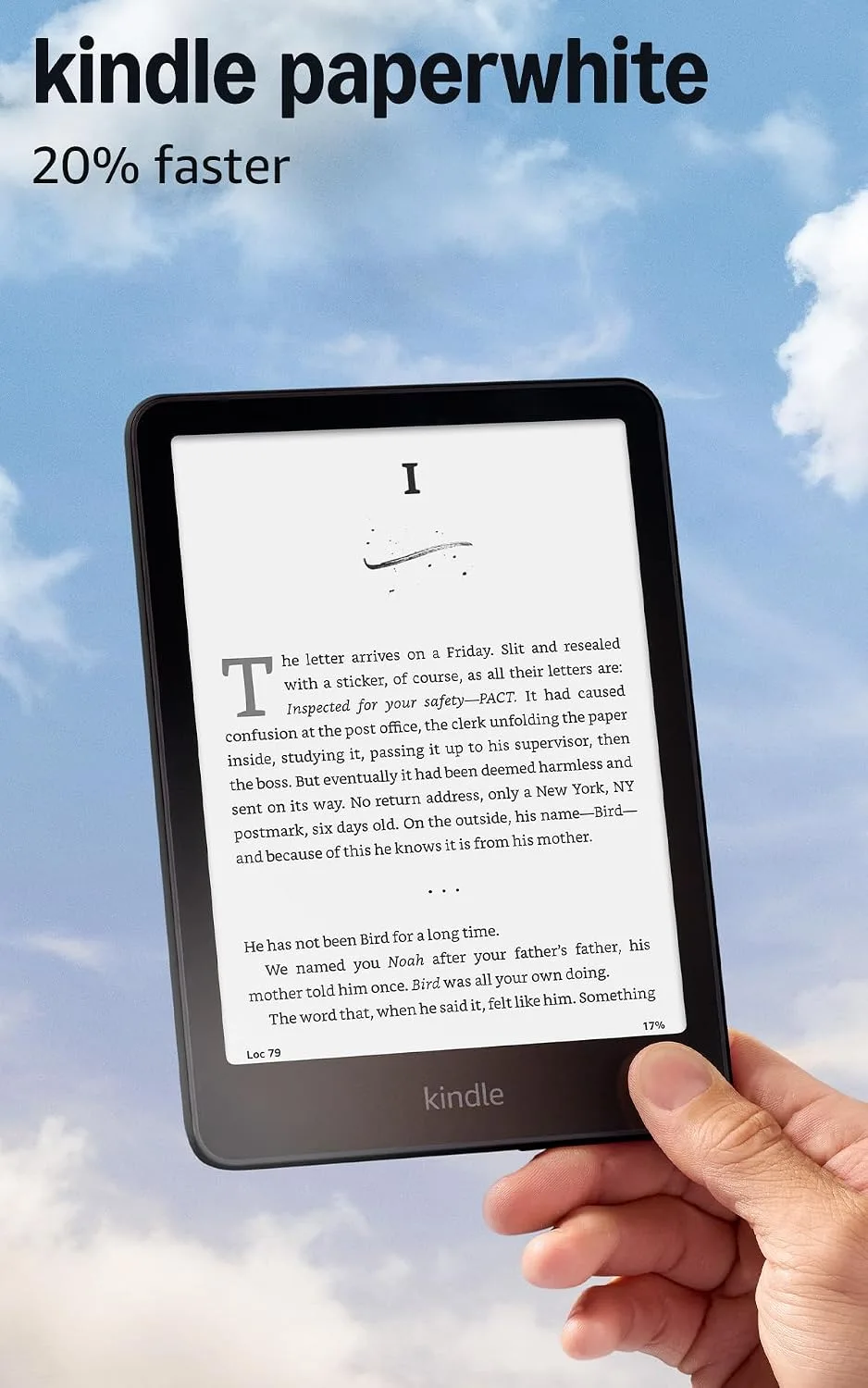
Pixel density, written as ppi, decides how crisp the letters look. Higher is sharper. The Paperwhite we review is 300 ppi.
Size is a trade-off between page and pocket. A larger screen shows more words per page, so you turn pages less often. A smaller one is easier to hold and slips into a coat pocket. The Paperwhite has a 7-inch screen, and owners widely call it the right balance between a roomy page and a device light enough to hold one-handed in bed.
The check: look at a sample page at your usual reading distance, near a window if you can. Raise the font size one step above where you think you need it. If the text edges still look clean and the page does not shine back at you, the screen is doing its job. If you read mostly outside, put that test by a bright window on purpose.
The light: warm, adjustable, and what it does at night
A built-in front light lets you read in a dark room without a lamp. What separates a good one is range. A white-only light is harsh late at night. A light that shifts toward amber is gentler on tired eyes and less likely to keep a partner awake.
Look for a warmth slider, not a single on/off toggle. The Paperwhite lets you shift from white to amber, with brightness and warmth sliders in its settings panel.
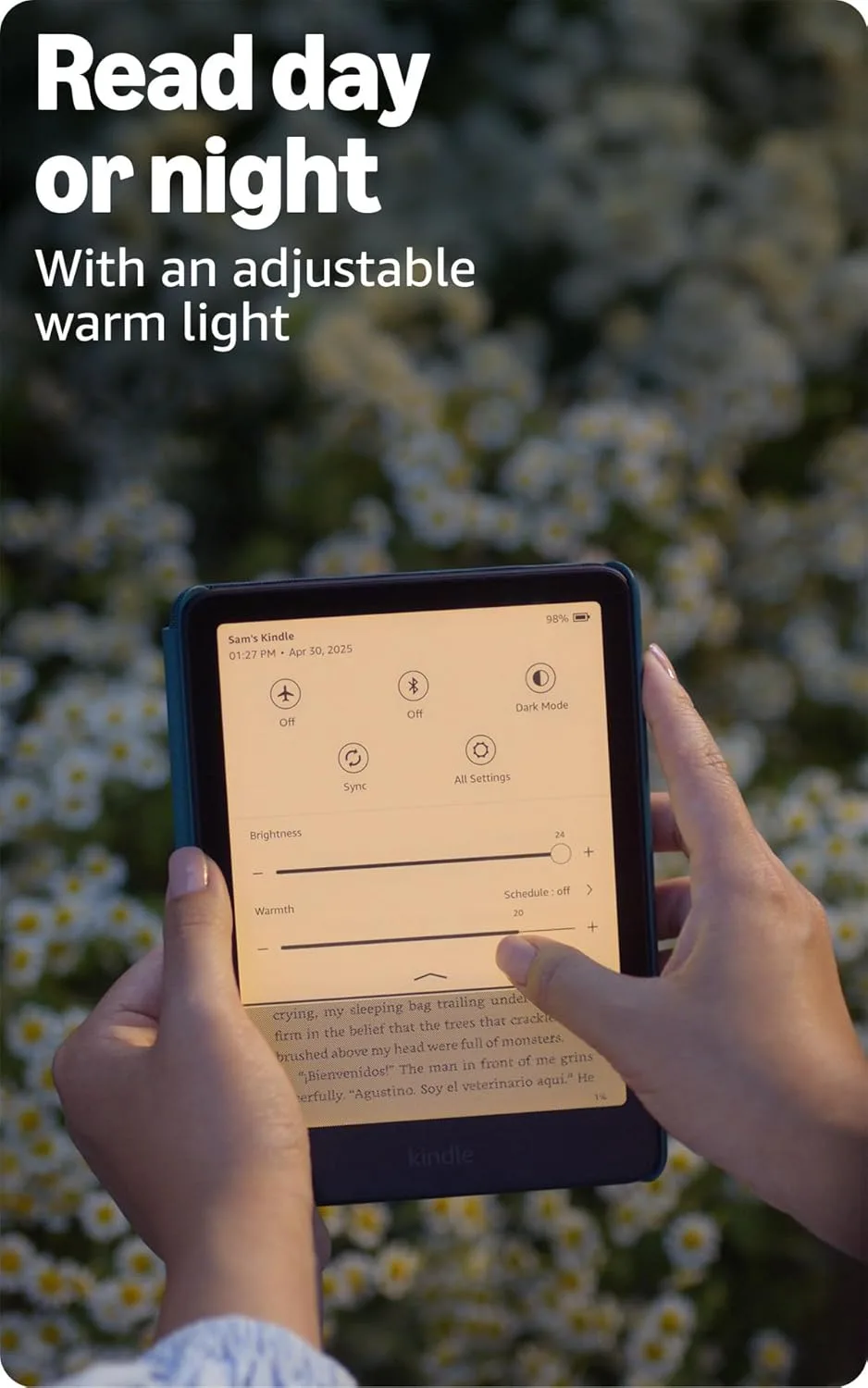
Automatic brightness is a separate feature and a small one. It adjusts the light as the room changes. The standard Paperwhite does not have it, so you set brightness by hand. That is a minor chore for most readers, but if you move between a sunny garden and a dark bedroom all day, count it.
The check: think about the last three nights you read. If any of them were in bed with someone asleep next to you, warm light is not optional.
Waterproofing: read the rating, not the word
"Water resistant" and "waterproof" are not the same promise. The reliable guide is the IP rating on the spec sheet. The second character in a code like IPX8 describes water protection, and a higher number means more protection against immersion. The X simply means dust was not rated.
The Paperwhite is rated IPX8 and is built to survive the bath, the pool and a spill. That covers the situations most people actually worry about.
Be sensible about the edges of that promise. Check the maker's care guidance on salt water and chemicals before you take any reader into the sea or a hot tub, and dry the charging port before you plug it in.
The check: find the IP code in the specs, not just the marketing line. If you only see the word "resistant" with no rating, assume it is meant for splashes at best. Then ask yourself honestly whether you read in the bath or by water. If not, this matters less to you than it sounds.
Storage: more than you think, less than you fear
Plain text books are small files. Novels alone rarely fill a modest amount of space. Storage starts to matter when your library includes comics, graphic novels, textbooks or PDFs with images, which are much larger.
The Paperwhite we review has 16 GB. If you carry a big collection of illustrated or scanned files, think about how many you want on the device at once, not how many you own.
The check: sort your library by type. If it is nearly all novels, storage is a non-issue and you should stop worrying about it. If a large share is image-heavy, weigh the capacity more carefully.
Battery: the quiet advantage over a tablet
This is where an e-reader earns its place. The screen only draws power when the page changes, so charging becomes an occasional event instead of a nightly one. The Paperwhite is rated for up to 12 weeks of typical reading on a single USB-C charge.
Owners mention battery life first, describing charging as something that happens rarely rather than weekly.
Keep two caveats in mind. Battery ratings depend on how long you read, how bright the light is, and whether wireless is on. And charging convenience varies: wireless charging on this line needs the Signature Edition, while the standard model uses the USB-C cable.
The check: look for USB-C charging, which means you probably already own the cable, and for a battery figure expressed in weeks, not hours.
The store: check it before you buy
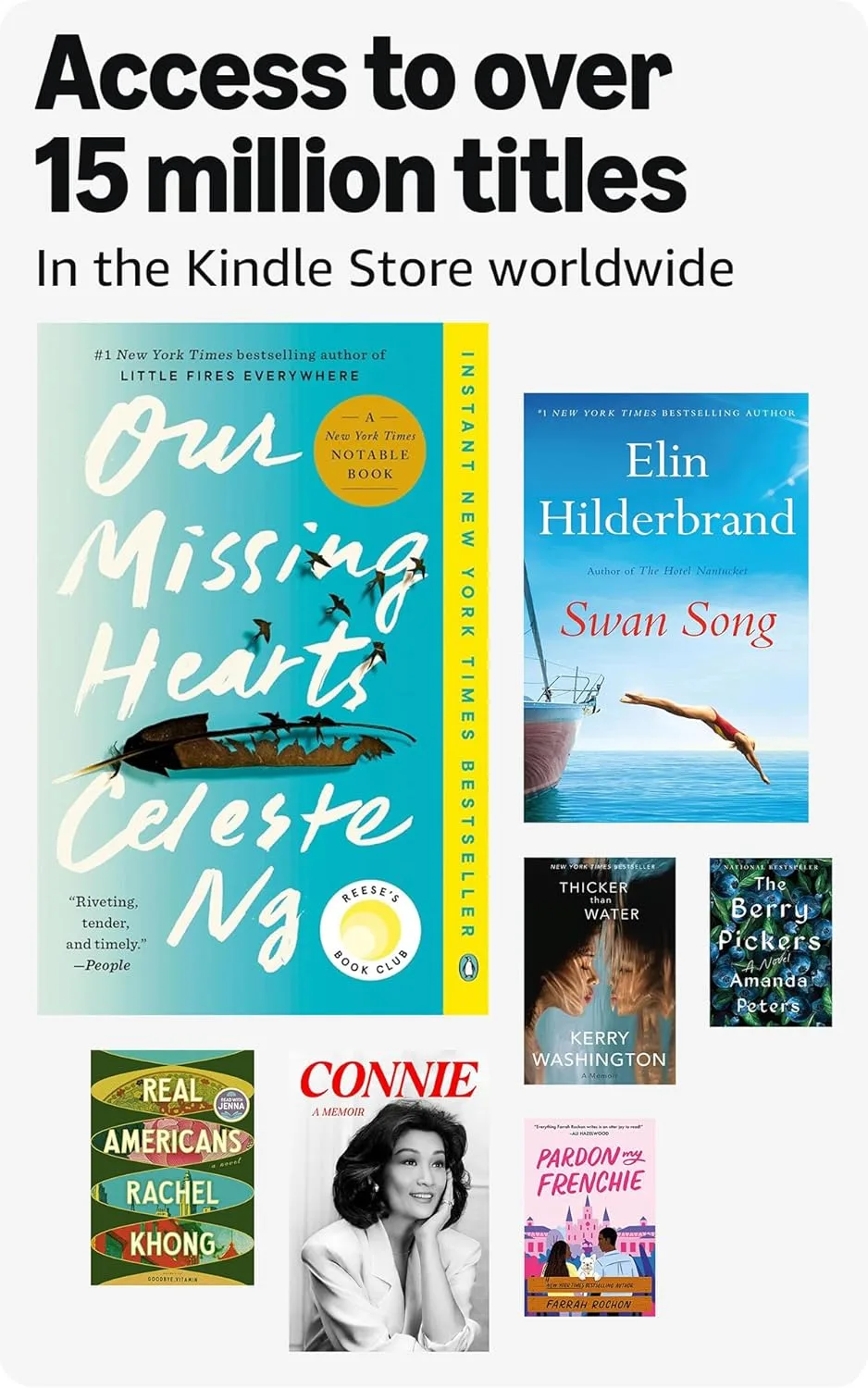
An e-reader is only as good as the books you can get onto it. Each device is built around a bookstore, and moving books in from elsewhere is easier on some than others.
The Paperwhite works with the Kindle Store and Kindle Unlimited. A minority of buyers are unhappy with how the Kindle system handles books bought outside Amazon, and in our review we note that books from other stores need a workaround. If you have a large library from another retailer, sort this out before you move over.
The check: before buying, list where your current ebooks came from. If you buy all new books from one store anyway, pick the reader that is built around that store. If you have a big existing library elsewhere, confirm the file format and the transfer method first.
What to ignore
- Processor talk. Page-turn speed is what you feel, and it is worth a glance. It is the experience, not a chip name, that counts. The Paperwhite's page turns are about 25% faster than the previous model's, and owners moving from older Kindles bring up speed often.
- Color, unless you read color material. Color e-paper has its place for comics and covers. For novels it adds a trade-off and not much else.
- Pen and notes features, unless you take notes. If you mostly read, a writing tablet is a different product that happens to look similar.
- App stores and extra features. A reader with social media, notifications or a browser defeats the reason to buy one. The Paperwhite has no apps or notifications pulling you away, and that is the point of it.
Common mistakes
- Buying storage you will not use. Novels are small. Spend your attention on the screen and the light instead.
- Assuming "water resistant" means bath-safe. Check for an actual IP rating before the reader goes near the tub.
- Ignoring the bookstore. The device is a one-time choice. The store you will live inside is the lasting part.
- Choosing the smallest screen to save pocket space, then reading with the font cranked up. If you keep making text bigger, you wanted a larger screen.
- Skipping the warm light. If you read in bed, you will want it.
- Expecting a tablet. An e-reader is slow at anything that is not turning pages. That is the point, and it is also the limit.
Which buyer should pick what
| If you... | Prioritize |
|---|---|
| Read in bed with someone asleep nearby | An adjustable warm light, white to amber |
| Read by the pool, at the beach or in the bath | A true IP rating, such as IPX8, and sun-readable glare control |
| Mostly read novels | Screen quality and battery; ignore storage size |
| Carry comics, textbooks or image-heavy PDFs | More storage and a larger screen |
| Have a large library from another store | Confirm transfer and format support before anything else |
| Want to take notes or read color material | A different category of device than a basic reader |
Most readers fall into the first three rows. For them, a mid-sized screen with a warm light, a real waterproof rating and long battery life covers the whole job.
Where our catalog fits
Our review covers one e-reader, so this is not a head-to-head. It is a check of whether that one meets the needs above.
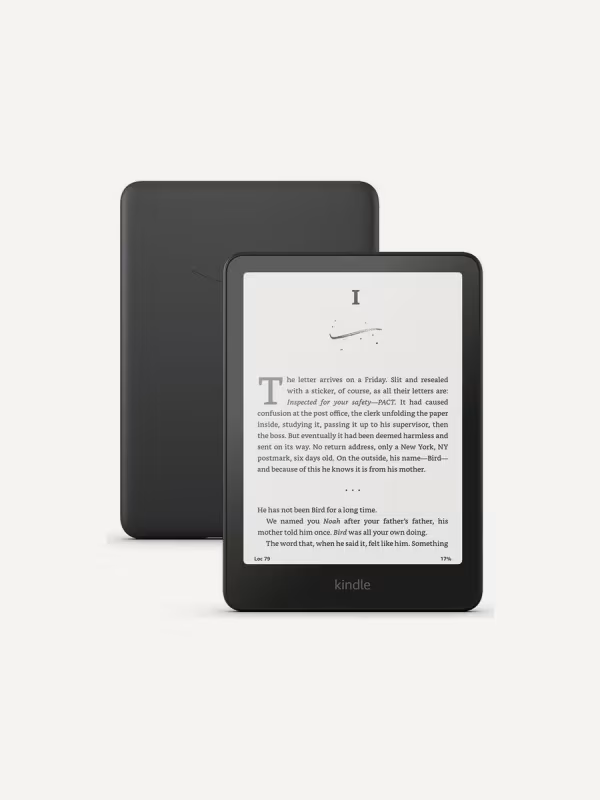
The Amazon Kindle Paperwhite 16GB has a 7-inch glare-free screen at 300 ppi that is readable in direct sun, an adjustable front light that shifts from white to amber, IPX8 waterproofing, 16 GB of storage, and up to 12 weeks of battery on a USB-C charge. It is built for readers who want a fast, waterproof e-reader for the bath, the beach and bed.
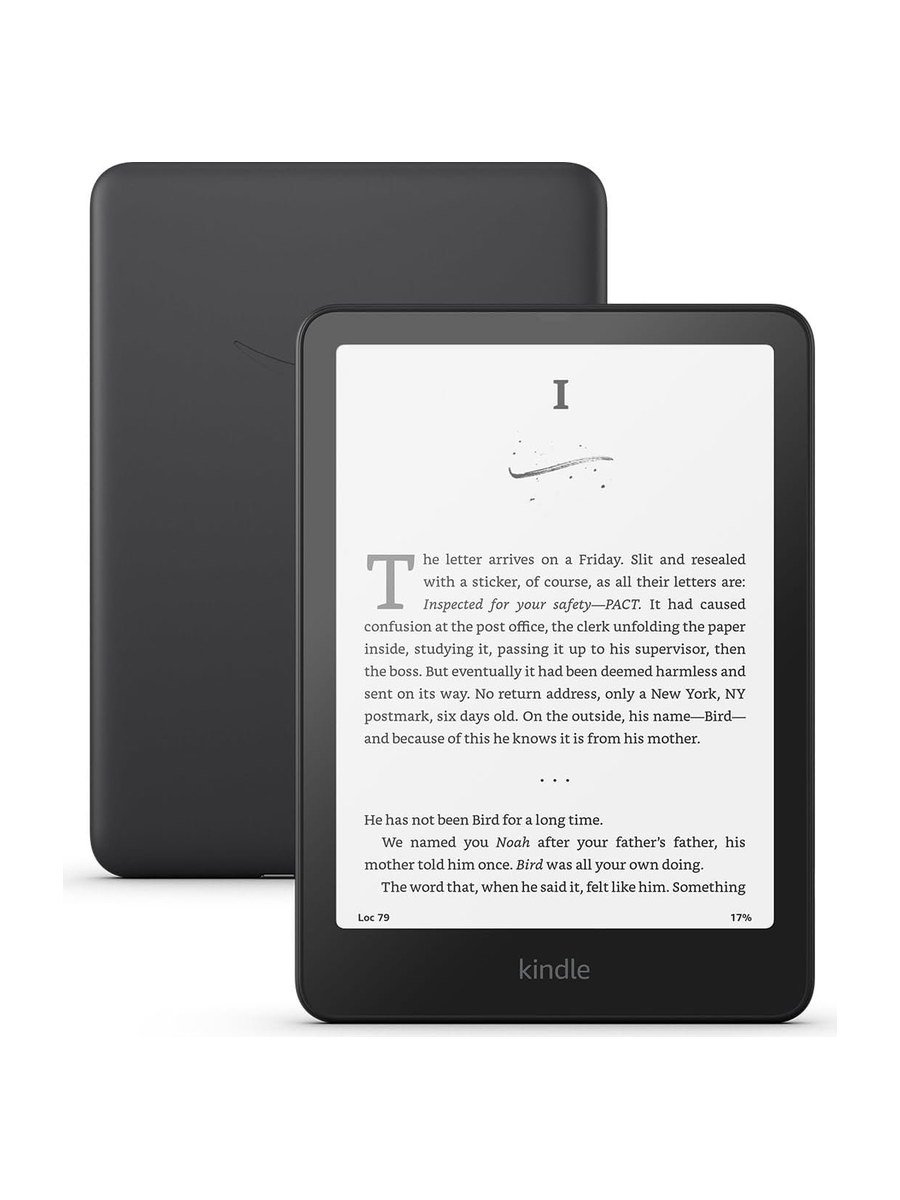
The fastest and brightest Paperwhite yet, with a 7-inch screen that finally feels roomy. Unless you need colour or a pen, this is the Kindle to get.
As an Amazon Associate we earn from qualifying purchases. Links on this page may be affiliate links; we may earn a commission at no extra cost to you.
Against our checklist, it covers the screen, the light, the waterproofing and the battery. The 16 GB is worth weighing only if your library is heavy on images.
The cons are specific. The standard model has no automatic brightness, wireless charging needs the Signature Edition, and books from other stores need a workaround. If your library lives elsewhere, that last point is the one to settle first.
Our verdict is that unless you need color or a pen, this is the Kindle to get. For a reader who wants a roomy page, a light that works at night and a device that survives a wet afternoon, it fits. Check the current price before you decide.
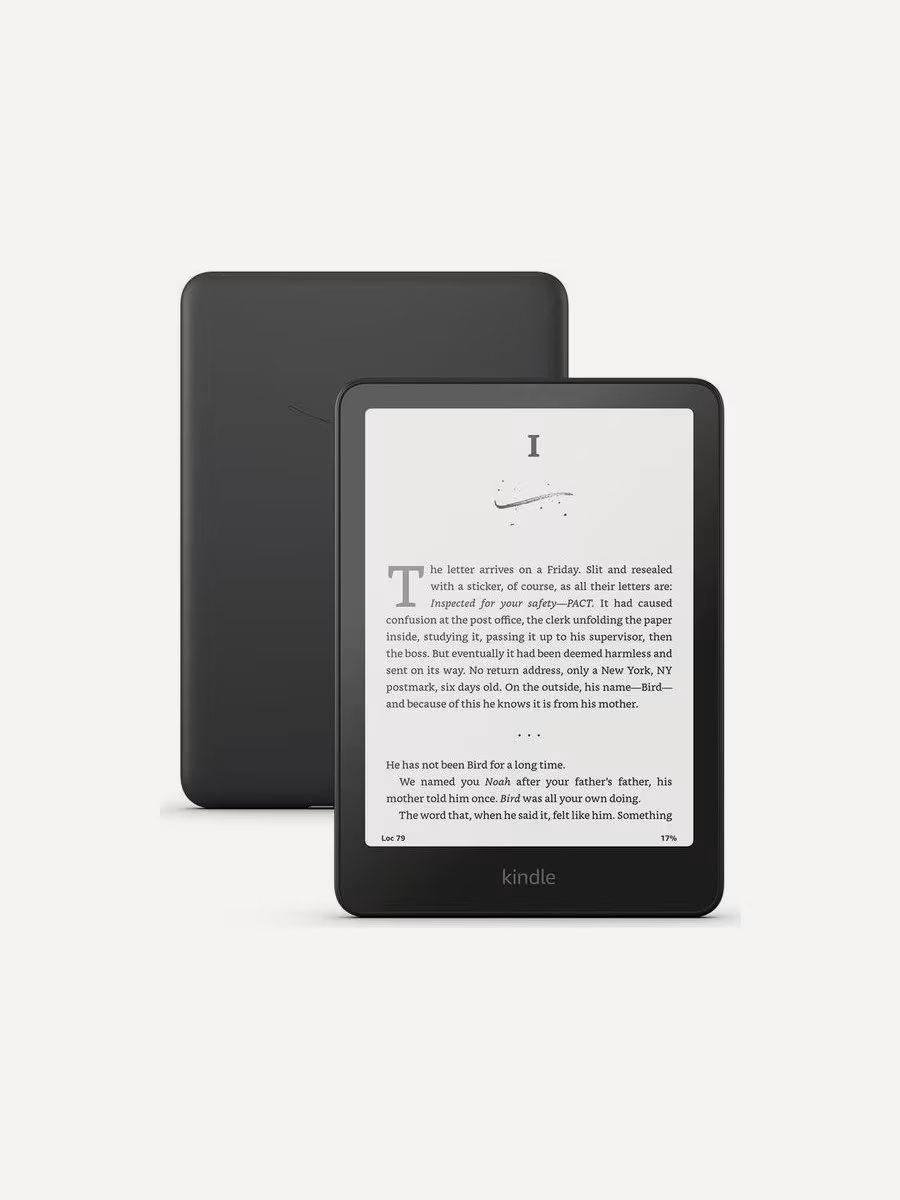
Found this review helpful?
Pin it to one of your boards and come back to it whenever you need a reminder.


No comments yet.
Join the discussion. Comments are moderated before appearing.